








































.png)






Complete Flutter School Management System – Admin Panel, Student, Teacher & Parent Apps
Complete School Management System A Powerful Solution for Teachers, Students, and Parents. Simplify education management with dedicated apps for every role
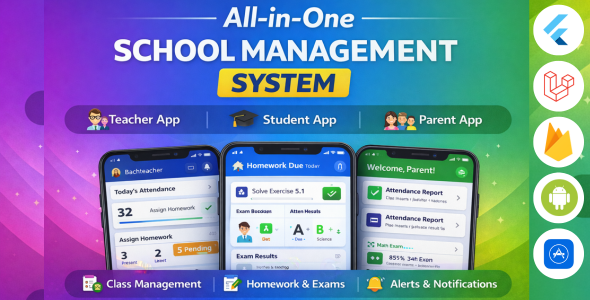
Complete School Management System

A Powerful Solution for Teachers, Students, and Parents.
Simplify education management with dedicated apps for every role.
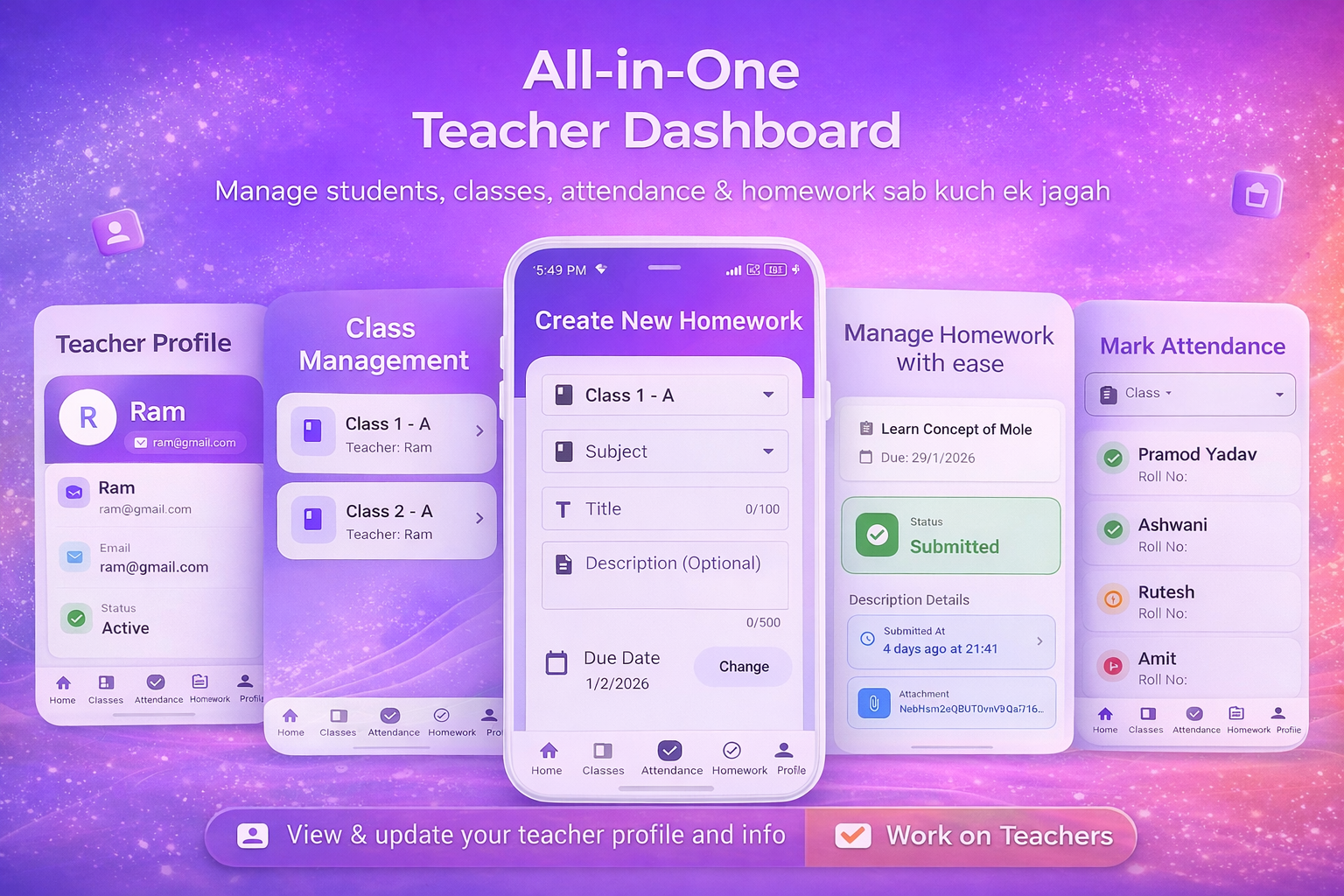
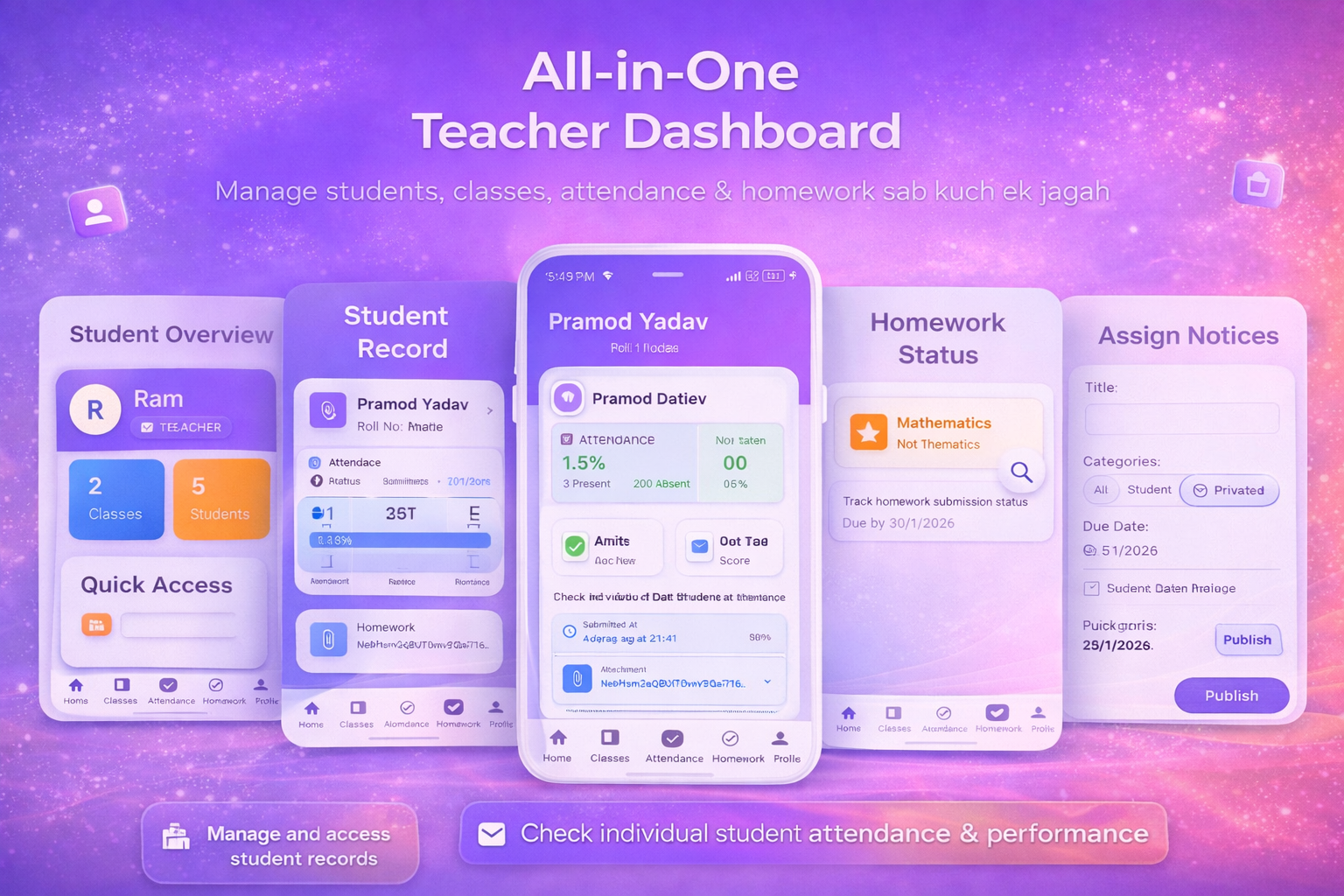
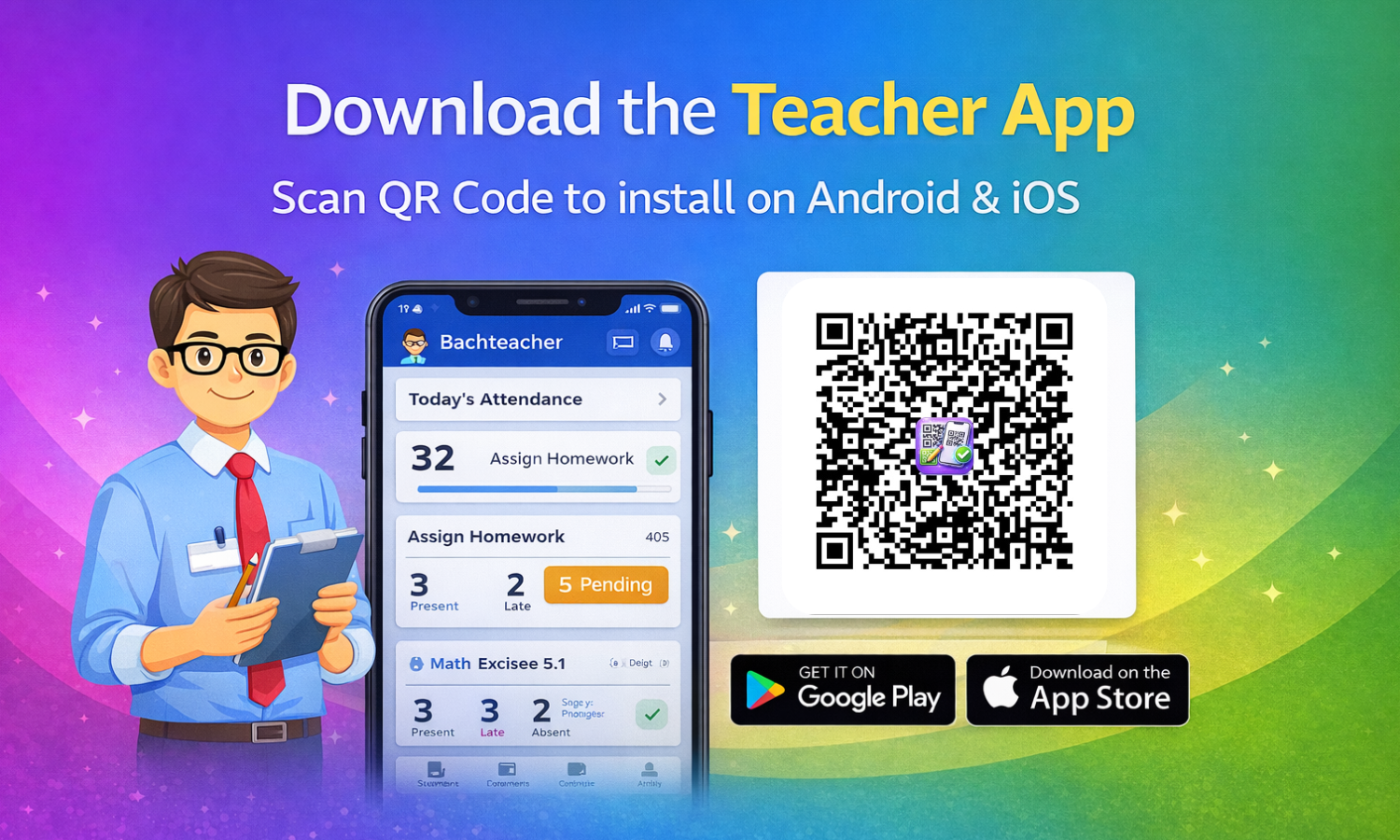
Teacher App – Classroom Management Simplified
The Teacher App is designed to reduce paperwork and help educators focus on teaching. It brings attendance, homework, and student tracking into one easy-to-use platform.
✨ Key Features
- Smart Dashboard: View total classes, students, and homework status instantly.
- Class Management: Create and manage multiple classes with detailed student lists.
- ✅ Quick Attendance: Mark students as present, absent, or late with a single tap.
- Homework Creator: Assign homework with subjects, descriptions, and due dates.
- Submission Tracking: Easily track who has submitted assignments and who is pending.
- Secure Profile: Manage teacher details and account settings securely.
▼ Teacher App Previews ▼
Student App – Your Personal Academic Assistant
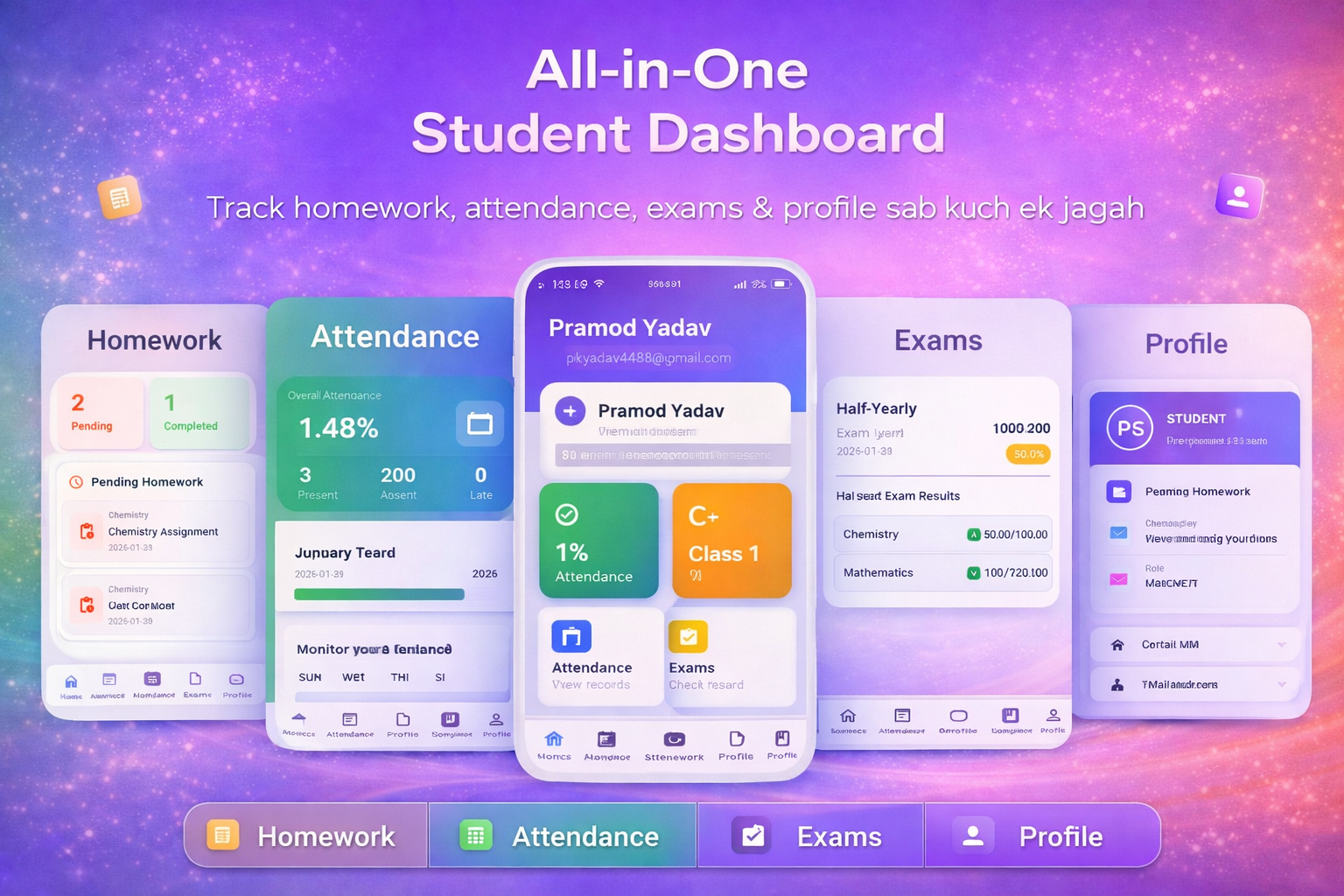
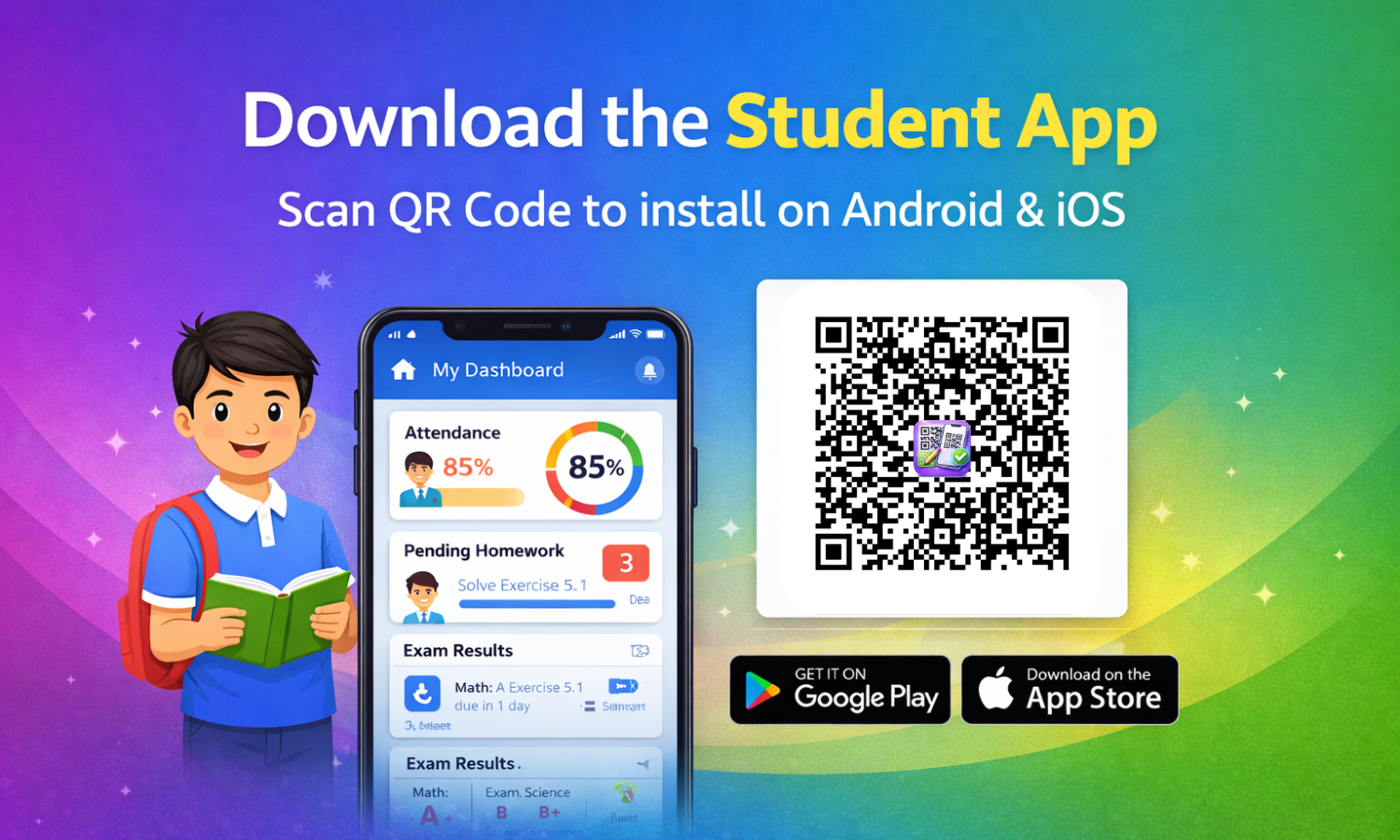
The Student App keeps students informed, organized, and engaged. No more depending on notice boards—everything is available in one simple dashboard.
✨ Key Features
- Student Dashboard: Check attendance percentage and academic overview at a glance.
- Homework Tracker: View pending and completed homework with clear deadlines.
- Digital Submission: Submit assignments directly using photos or files.
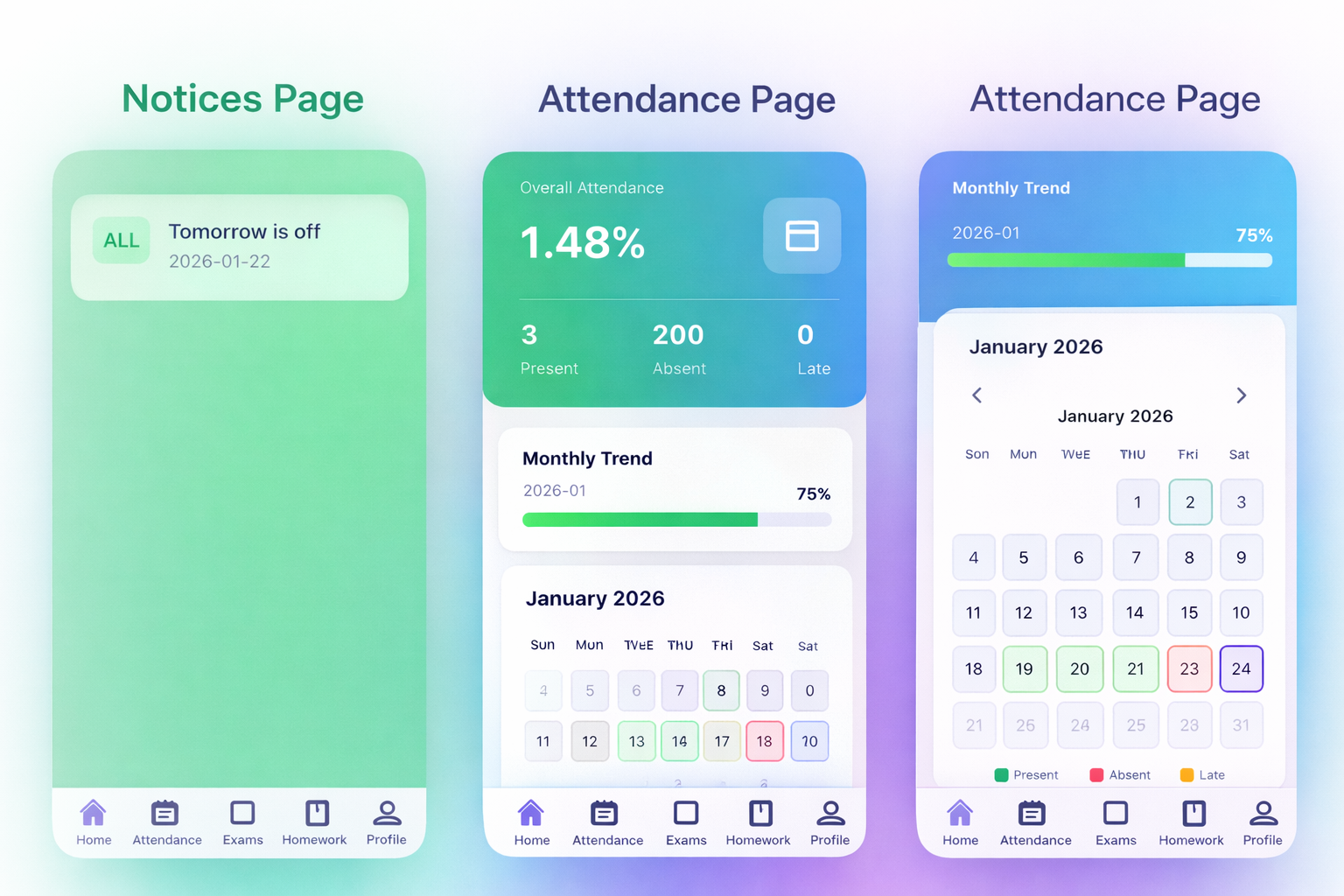
- Attendance History: Monitor daily and monthly attendance records with transparency.
- Exam Results: Access subject-wise exam scores and performance summaries.
▼ Student App Previews ▼
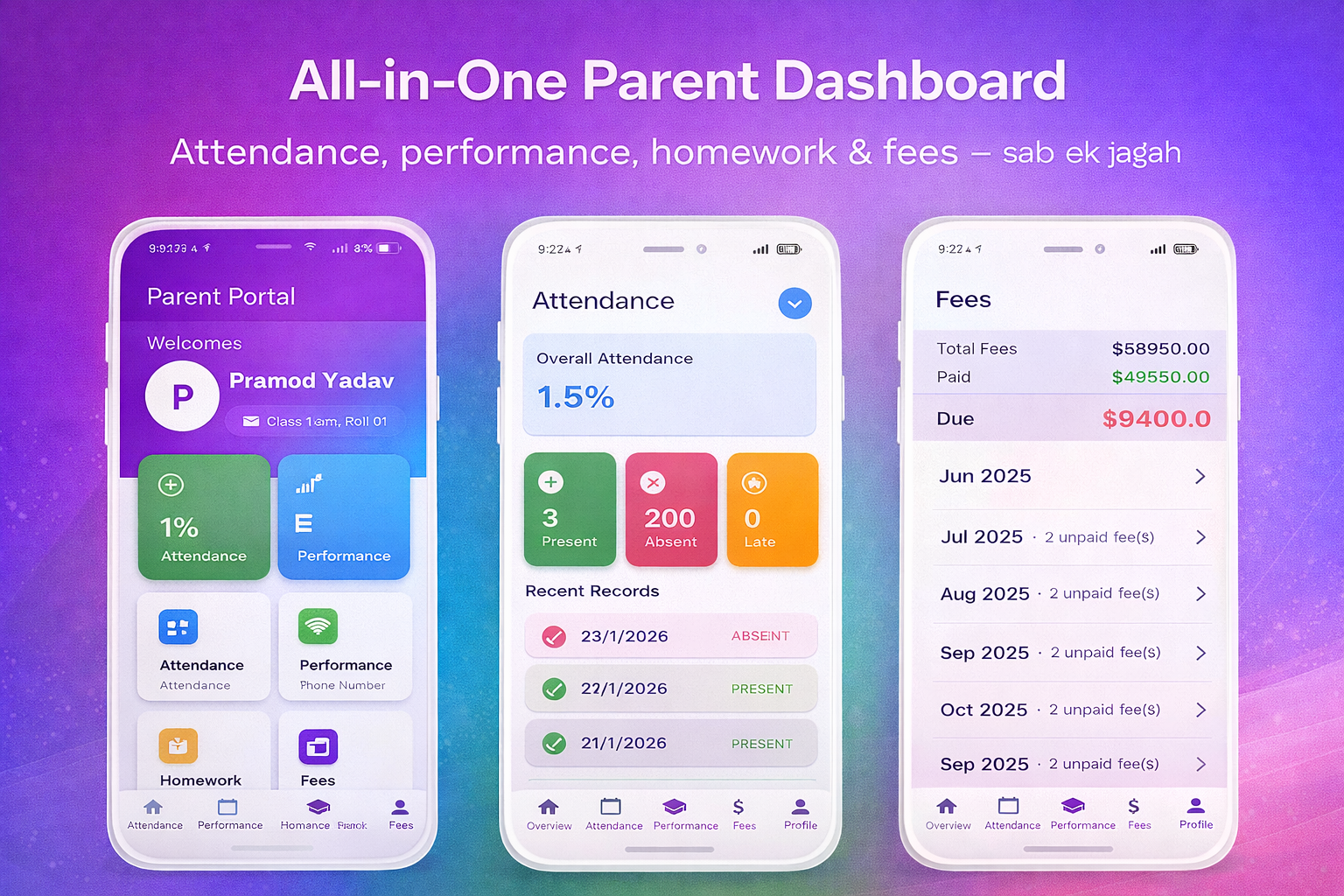
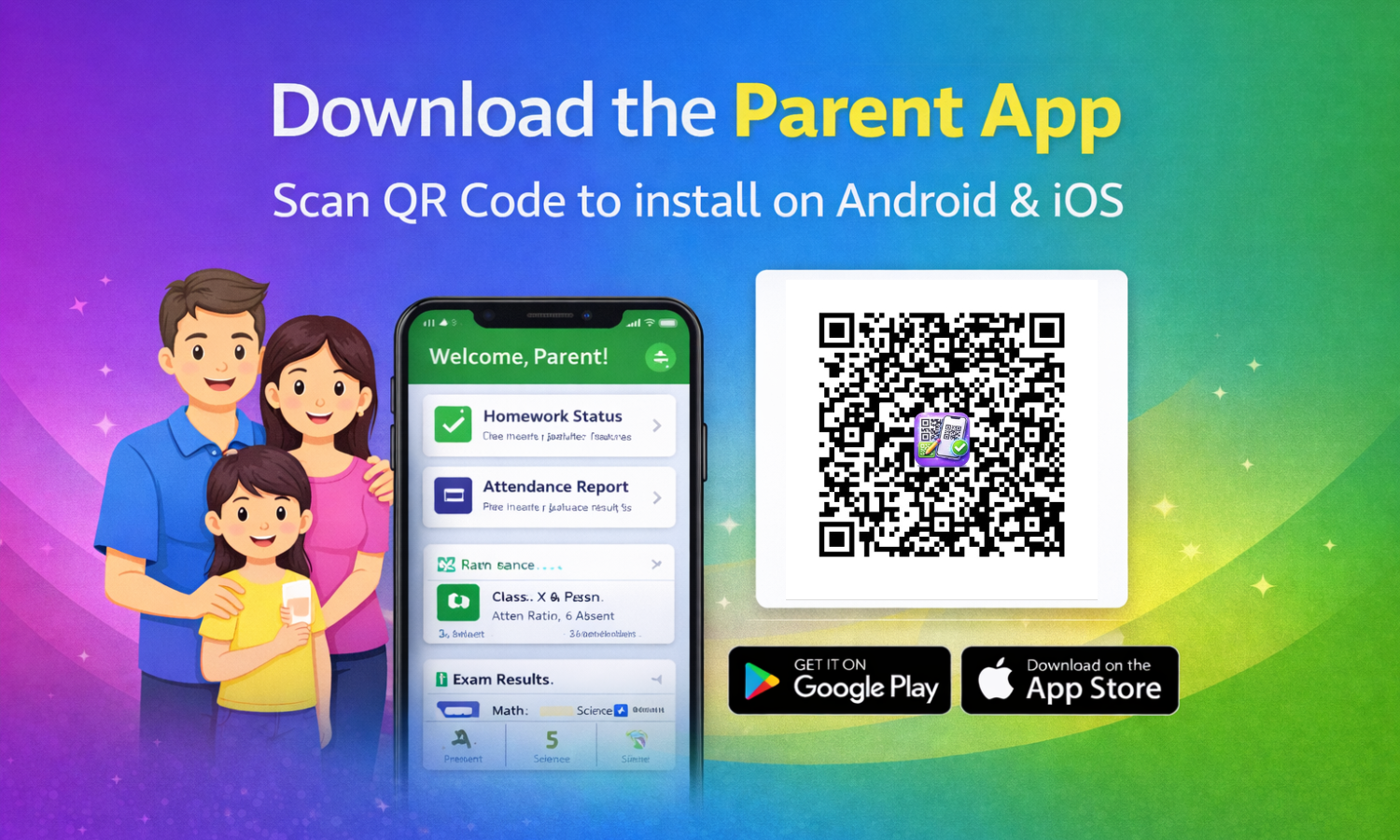
Parent App – Stay Connected to Your Child’s Progress
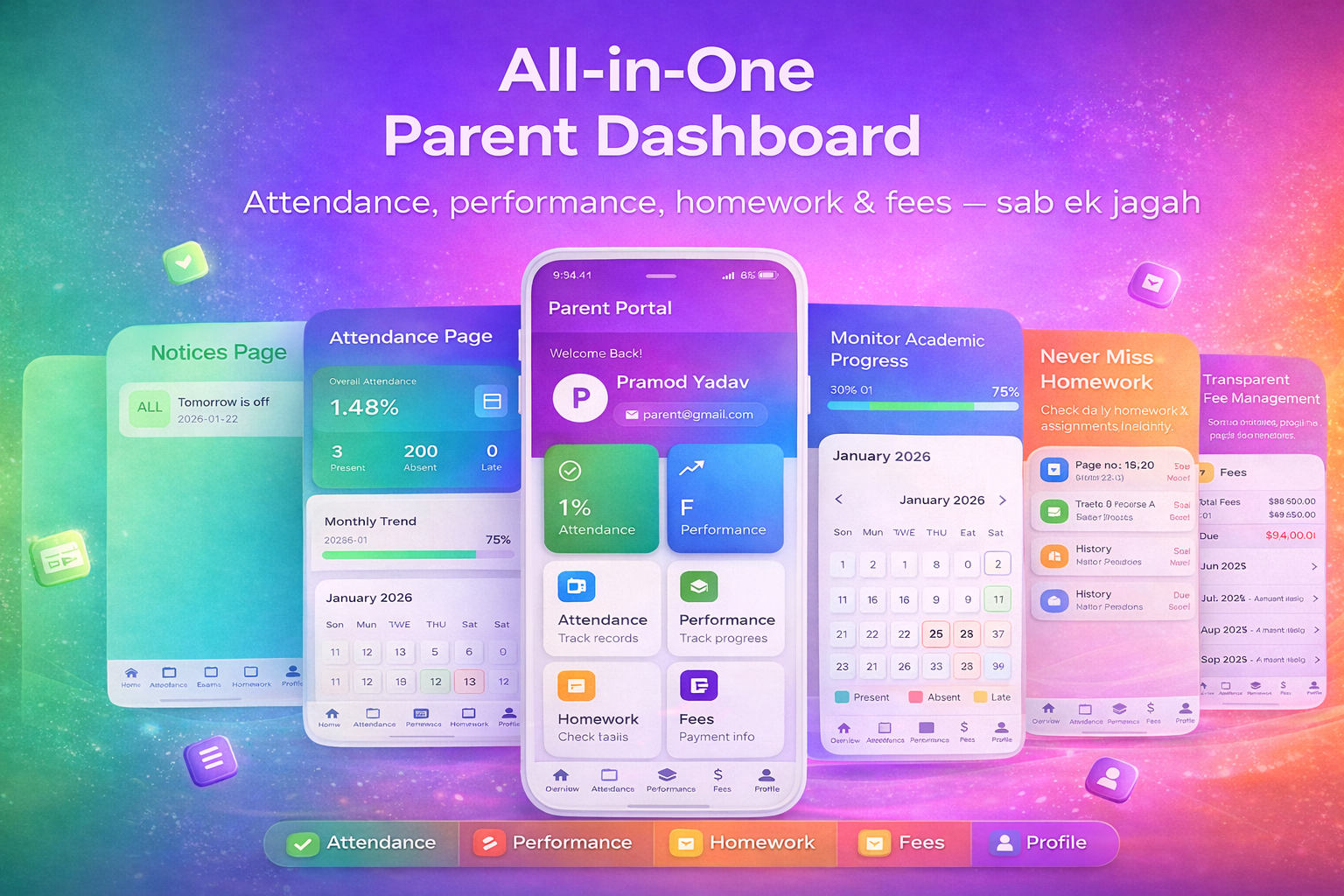
The Parent App bridges the gap between home and school, allowing parents to monitor their child’s education without frequent school visits or calls.
✨ Key Features
- Parent Dashboard: Get a quick snapshot of your child’s academic status.
- ️♂️ Homework Monitoring: See exactly what homework is assigned and if it is completed.
- ✅ Attendance Tracking: View daily attendance records and monthly trends.
- Result Insights: Access exam scores and subject-wise performance instantly.
- ️ Simple & Secure: An easy-to-use interface focused on clarity and data privacy.
▼ Parent App Previews ▼
Live Demo & Access
Click the links below or use the credentials to test the complete system.
Note: Data resets periodically. Please do not change passwords.
️ Admin Panel Demo
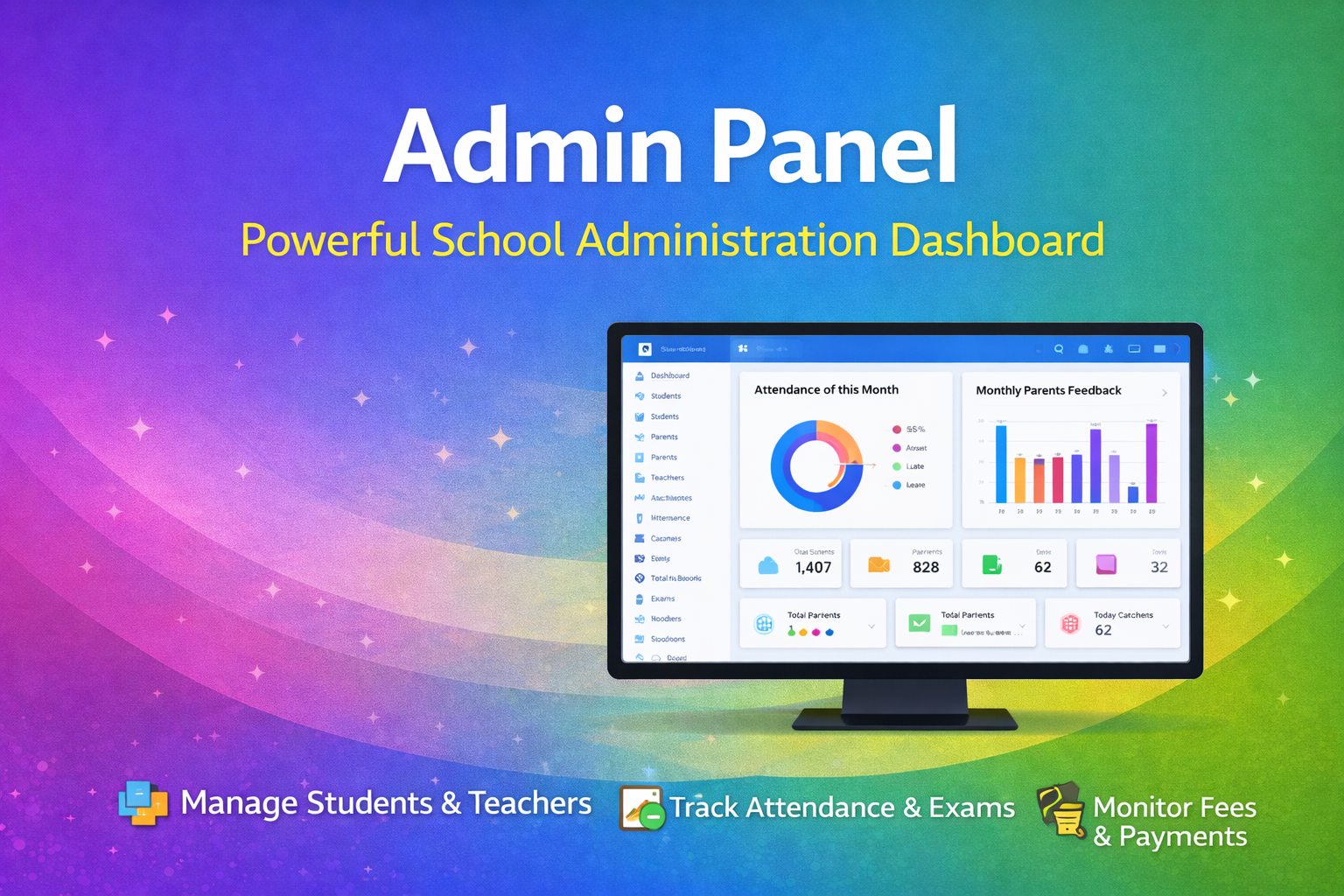
URL: Click Here to Open Admin Panel
Email: admin@example.com
Password: 123456
Teacher App Demo
Login to the app using these details:
Email: teacher@example.com
Password: 123454321
Student App Demo
Login to the app using these details:
Email: student@example.com
Password: 123454321
Parent App Demo
Login to the app using these details:
Email: parent@example.com
Password: 123454321
⚙️ Easy Installation & Setup
This suite comes with well-documented guides. Even beginners can set up the system quickly.
1️⃣ Backend Setup (Admin Panel & API)
- Upload the backend files to your server (cPanel/VPS).
- Create a database and import the provided SQL file.
- Update the `.env` or config file with database credentials.
- Login to the admin panel and you are good to go!
2️⃣ Mobile App Setup (Flutter)
- Open the project in Android Studio or VS Code.
- Update the API Base URL in the configuration file.
- Run
flutter pub getto install dependencies. - Build the APK/Bundle for Android or iOS.
3️⃣ Firebase (Optional for Notifications)
- Create a Firebase project and download `google-services.json`.
- Place the file in the project folder to enable Push Notifications.
Ready to modernize your institution? Purchase the Complete School Suite today!
What's Your Reaction?
 Like
0
Like
0
 Dislike
0
Dislike
0
 Love
0
Love
0
 Funny
0
Funny
0
 Angry
0
Angry
0
 Sad
0
Sad
0
 Wow
0
Wow
0