























.jpg)






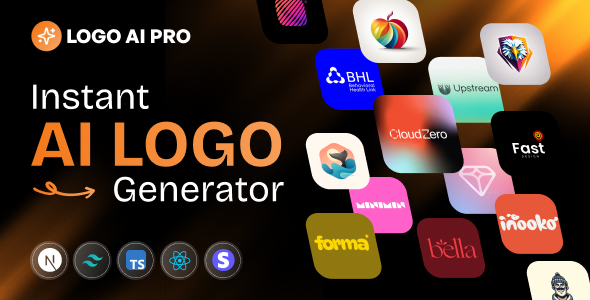
LogoAI - AI Logo Generator SaaS
Sometimes Envato’s live preview system temporarily breaks links. Please use the direct demo link with credentials mentioned below : LIVE DEMO – Try Before You
Sometimes Envato’s live preview system temporarily breaks links. Please use the direct demo link with credentials mentioned below :
LIVE DEMO – Try Before You Buy!
Live Application: logoAI
User Demo Credentials:>
- Email: webbuddy2024@gmail.com
- Password:WebBuddy@123
How to Install Video Documentation:






Overview
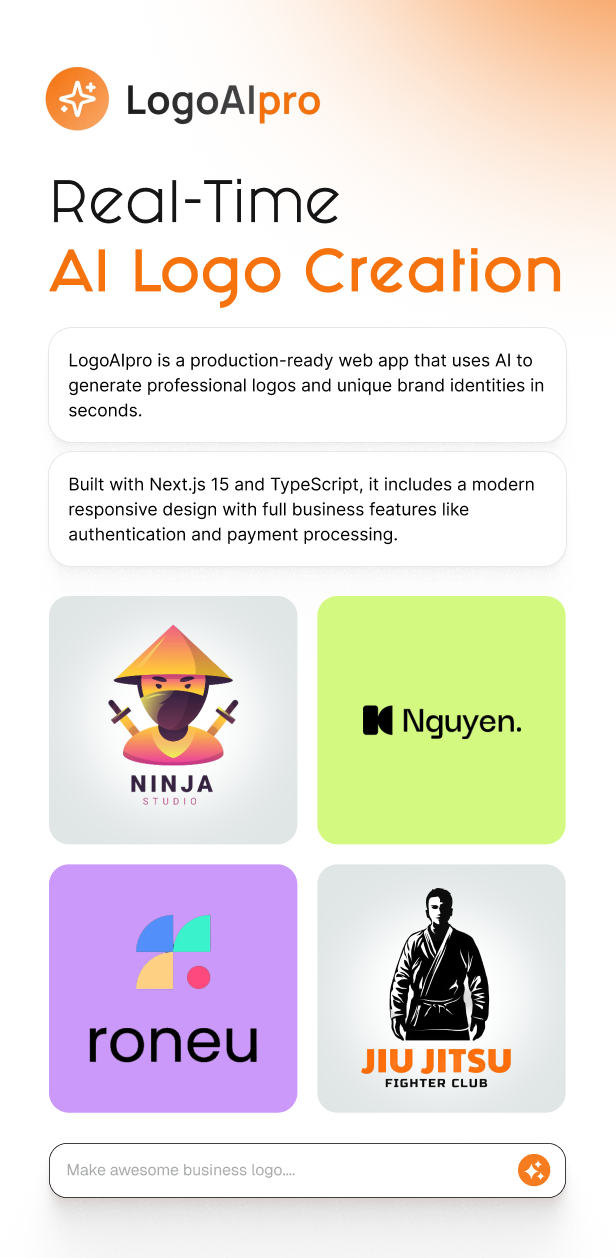
LogoAIpro is a complete, production-ready web application that enables users to generate professional logos using artificial intelligence. Built with Next.js 15 and TypeScript, this application provides a seamless experience for creating unique brand identities in seconds. The platform features a modern, responsive design and includes everything needed to run a logo generation business, from user authentication to payment processing.
⚠️ Important: External API Costs Disclaimer
Please note that this application requires external API services to function, and you will incur costs based on your usage of these services.
This application integrates with several third-party services that charge fees based on usage:
- Nebius AI – Charges per logo generation request. Costs vary based on the AI model selected (Flux Schnell or Flux Dev) and the output size/quality. You pay directly to Nebius AI for each logo generated.
- Stripe – Charges a transaction fee of 2.9% plus $0.30 per successful payment transaction when users purchase credits.
- MongoDB Atlas – Free tier available for development, but production use requires a paid plan based on storage and usage.
- Clerk – Free tier includes up to 10,000 monthly active users. Paid plans required if you exceed free tier limits.
- Upstash Redis – Free tier includes 10,000 commands per day. Paid plans required for higher usage.
You are responsible for all costs associated with these external services. The purchase price of this application includes only the source code and does not include any API credits, service subscriptions, or usage fees. Before deploying this application, please review the pricing pages of all required services to understand the costs you will incur based on your expected usage volume.
While many services offer free tiers suitable for development and testing, production use will require paid plans. Ensure you have budgeted for ongoing API costs based on your expected user base and usage patterns.
Key Features
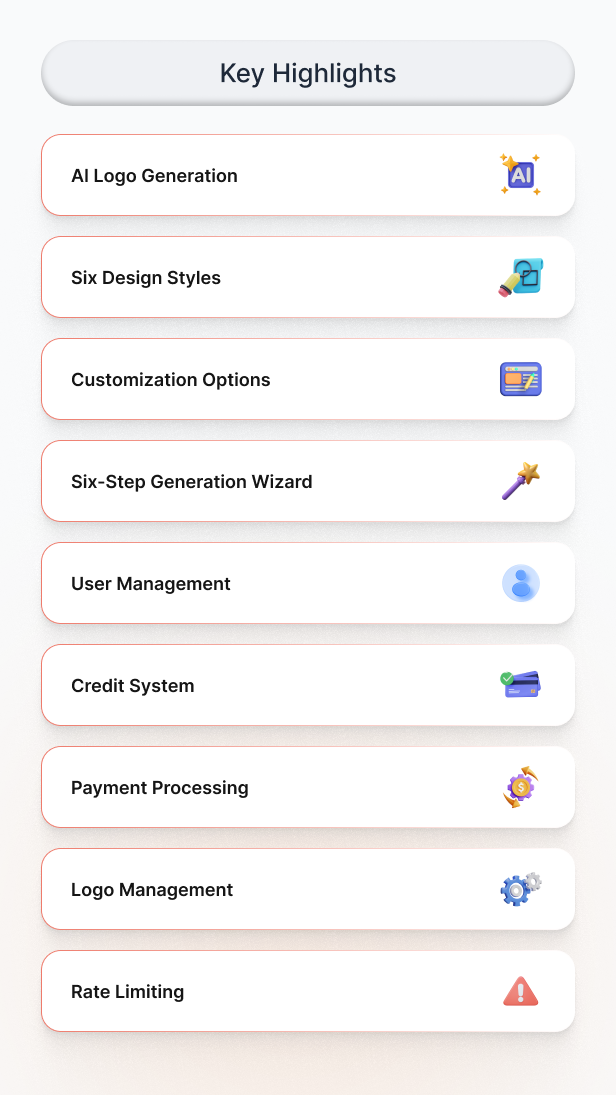
AI Logo Generation
Generate professional logos using advanced AI models powered by Nebius AI. The application supports multiple AI models including Flux Schnell and Flux Dev, allowing users to choose the best option for their needs. Each logo generation takes seconds and produces high-quality, unique designs suitable for commercial use.
Six Design Styles
Users can choose from six professional design styles to match their brand identity:
- Minimal – Simple, timeless designs with negative space and flat design principles
- Technology – Detailed, sharp, cinematic designs with clean lines and minimalist aesthetics
- Corporate – Modern, forward-thinking designs with geometric shapes and professional appeal
- Creative – Playful designs with bright colors, rounded shapes, and lively aesthetics
- Abstract – Artistic designs with unique shapes, patterns, and visually interesting textures
- Flashy – Attention-grabbing designs with bold, futuristic elements and vibrant neon colors
Customization Options
The application provides extensive customization options for logo generation:
- Custom color selection for primary and background colors
- Multiple size options: 256×256, 512×512, and 1024×1024 pixels
- Quality settings: Standard and HD quality outputs
- Additional brand information and preferences
- Company name integration in the logo design
Six-Step Generation Wizard
The application features an intuitive step-by-step wizard that guides users through the logo creation process:
- Brand Name Input – Enter company or brand name
- Style Selection – Choose from six design styles
- Colors and Model – Customize colors and select AI model
- Size and Quality – Select output dimensions and quality level
- Additional Details – Provide optional brand personality and preferences
- Generated Logo – View, download, or regenerate the logo
User Management
Complete user management system with the following features:
- User authentication powered by Clerk
- User dashboard for managing generated logos
- Logo history tracking
- Credit balance management
- User profile management
Credit System
Flexible credit-based pricing system with three packages:
- Basic Package – 50 credits for $9.99
- Pro Package – 150 credits for $24.99
- Enterprise Package – 500 credits for $79.99
All new users receive 10 free credits to test the platform. Each logo generation consumes one credit regardless of size or quality settings.
Payment Processing
Integrated Stripe payment system for secure credit purchases. The application handles checkout sessions, webhook processing, and automatic credit allocation upon successful payment.
Logo Management
Users can manage their generated logos through a comprehensive dashboard:
- View all generated logos in a gallery
- Download logos in high resolution
- Regenerate logos with different settings
- Track logo creation history
- View logo metadata including colors, styles, and creation dates
Rate Limiting
Built-in rate limiting using Upstash Redis to prevent abuse and ensure fair usage. The system limits users to 10 logo generations per 30 days by default, with configurable limits.
Technical Specifications
Technology Stack
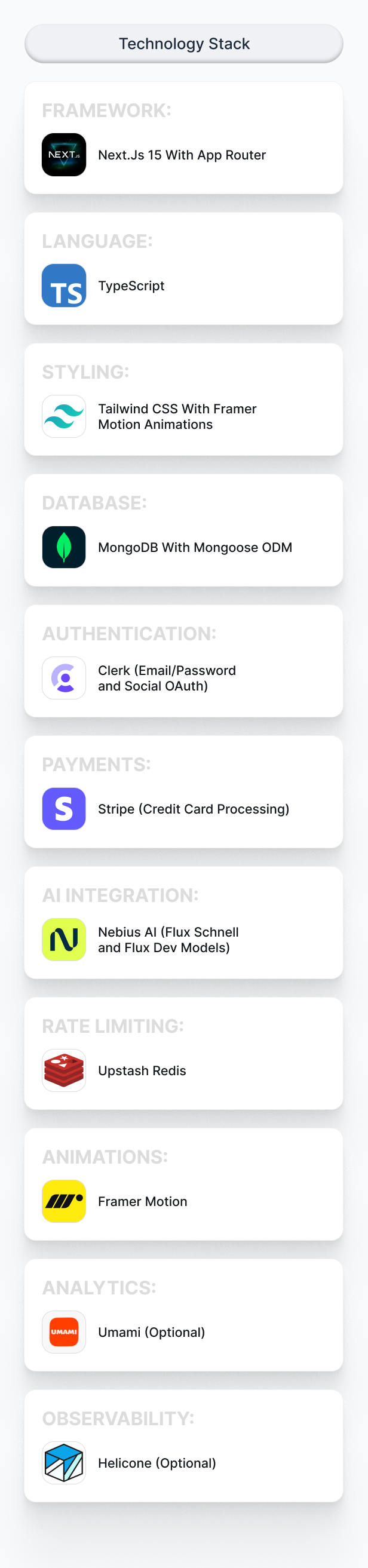
- Framework: Next.js 15 with App Router
- Language: TypeScript
- UI Library: Tailwind CSS and Shadcn UI components
- Database: MongoDB with Mongoose ODM
- Authentication: Clerk
- Payments: Stripe
- AI Integration: Nebius AI (Flux Schnell and Flux Dev models)
- Rate Limiting: Upstash Redis
- Animations: Framer Motion
- Analytics: Umami (optional)
- Observability: Helicone (optional)
System Requirements
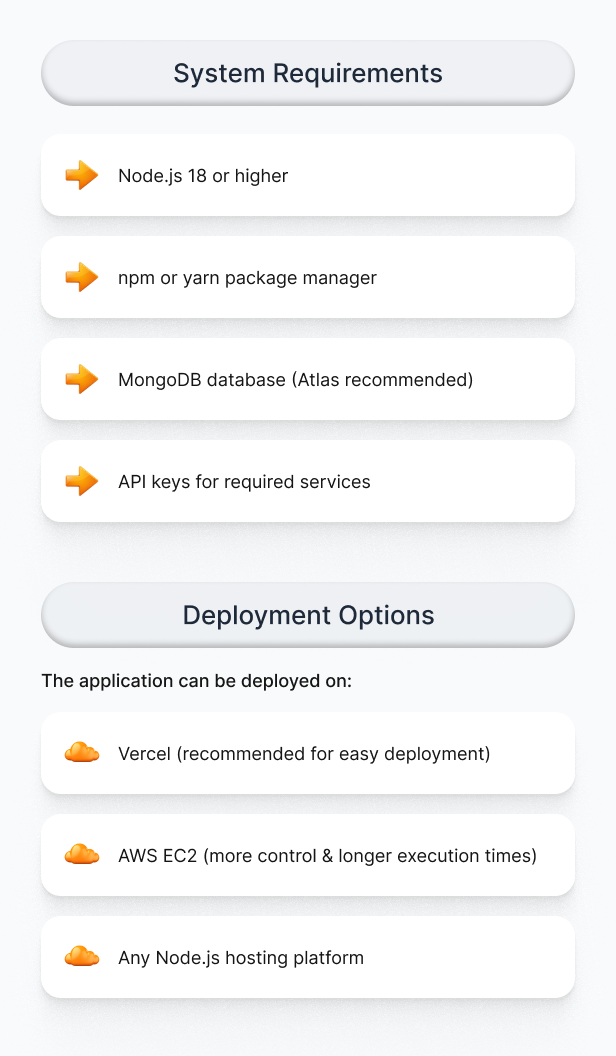
- Node.js 18 or higher
- npm or yarn package manager
- MongoDB database (MongoDB Atlas recommended)
- API keys for required services
Deployment Options
The application can be deployed on:
- Vercel (recommended for easy deployment)
- AWS EC2 (for more control and longer execution times)
- Any Node.js hosting platform
API and Service Requirements
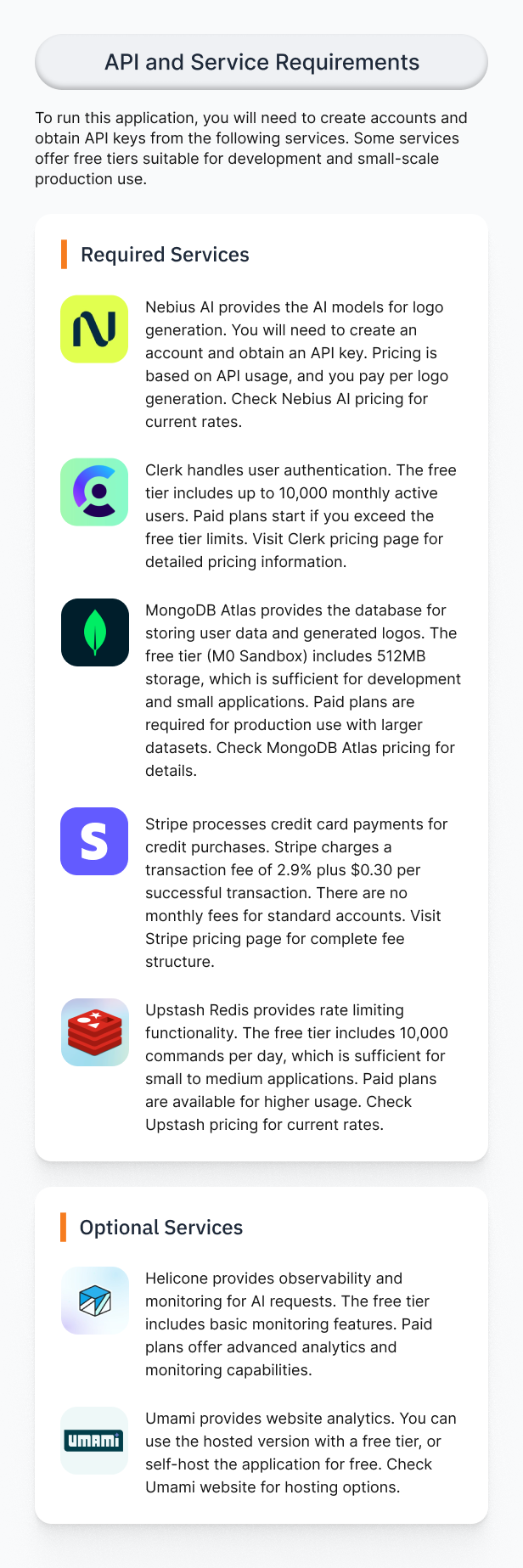
To run this application, you will need to create accounts and obtain API keys from the following services. Some services offer free tiers suitable for development and small-scale production use.
Required Services
Nebius AI
Nebius AI provides the AI models for logo generation. You will need to create an account and obtain an API key. Pricing is based on API usage, and you pay per logo generation. Check Nebius AI pricing for current rates.
Clerk
Clerk handles user authentication. The free tier includes up to 10,000 monthly active users. Paid plans start if you exceed the free tier limits. Visit Clerk pricing page for detailed pricing information.
MongoDB Atlas
MongoDB Atlas provides the database for storing user data and generated logos. The free tier (M0 Sandbox) includes 512MB storage, which is sufficient for development and small applications. Paid plans are required for production use with larger datasets. Check MongoDB Atlas pricing for details.
Stripe
Stripe processes credit card payments for credit purchases. Stripe charges a transaction fee of 2.9% plus $0.30 per successful transaction. There are no monthly fees for standard accounts. Visit Stripe pricing page for complete fee structure.
Upstash Redis
Upstash Redis provides rate limiting functionality. The free tier includes 10,000 commands per day, which is sufficient for small to medium applications. Paid plans are available for higher usage. Check Upstash pricing for current rates.
Optional Services
Helicone
Helicone provides observability and monitoring for AI requests. The free tier includes basic monitoring features. Paid plans offer advanced analytics and monitoring capabilities.
Umami
Umami provides website analytics. You can use the hosted version with a free tier, or self-host the application for free. Check Umami website for hosting options.
Installation and Setup
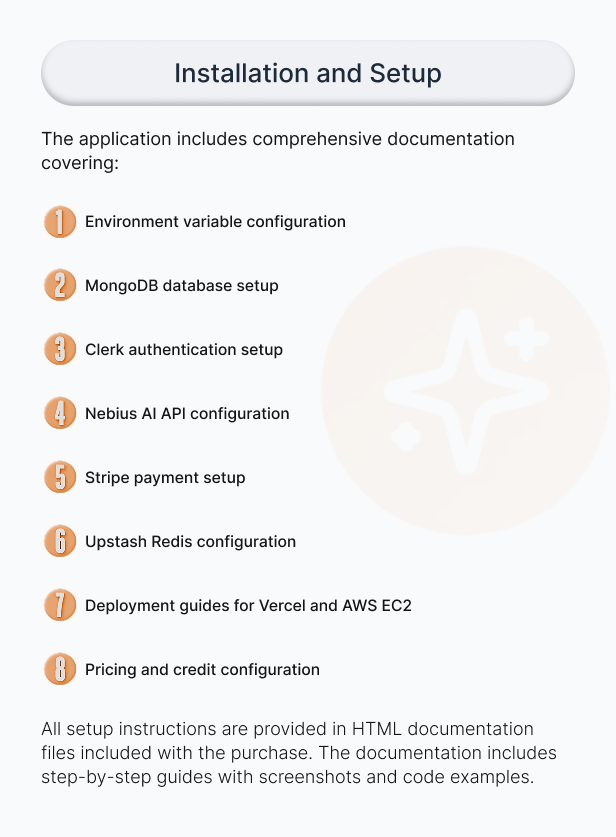
The application includes comprehensive documentation covering:
- Environment variable configuration
- MongoDB database setup
- Clerk authentication setup
- Nebius AI API configuration
- Stripe payment setup
- Upstash Redis configuration
- Deployment guides for Vercel and AWS EC2
- Frontend customization guide
- Pricing and credit configuration
All setup instructions are provided in HTML documentation files included with the purchase. The documentation includes step-by-step guides with screenshots and code examples.
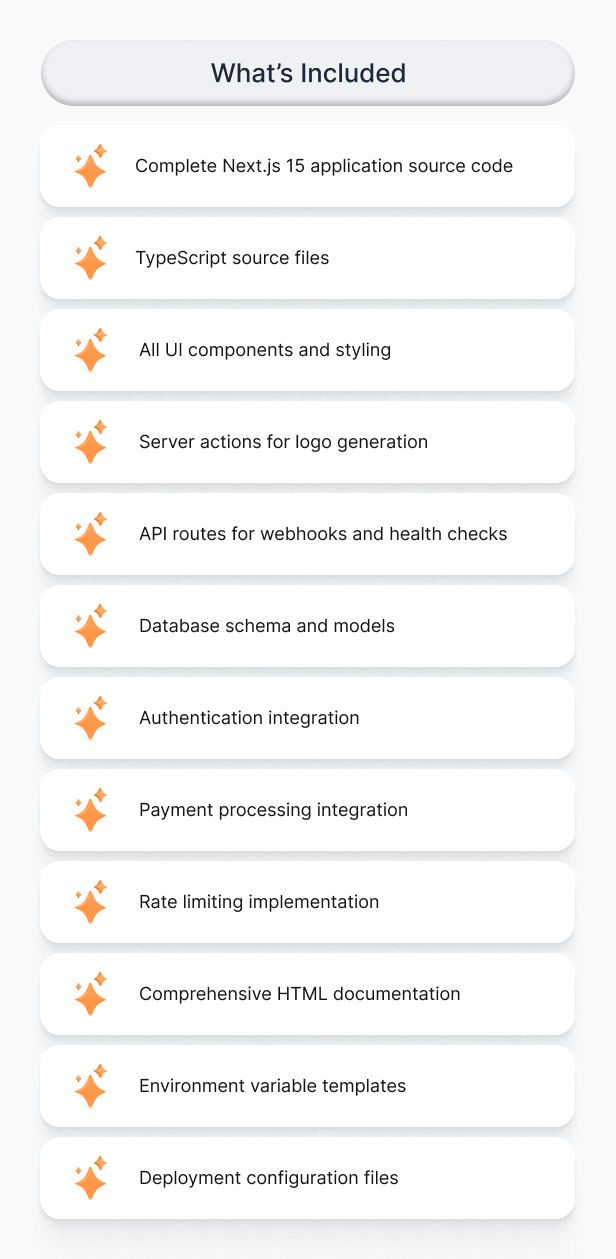
What’s Included
- Complete Next.js 15 application source code
- TypeScript source files
- All UI components and styling
- Server actions for logo generation
- API routes for webhooks and health checks
- Database schema and models
- Authentication integration
- Payment processing integration
- Rate limiting implementation
- Comprehensive HTML documentation
- Environment variable templates
- Deployment configuration files
Customization
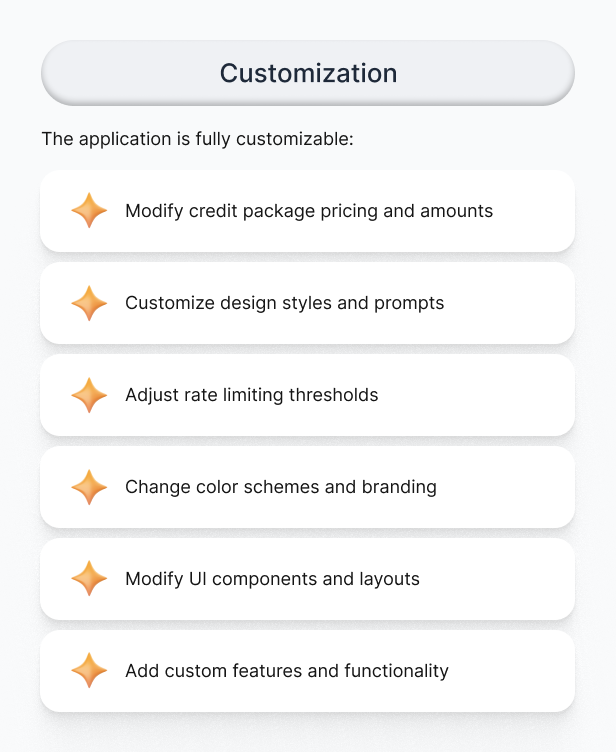
The application is fully customizable:
- Modify credit package pricing and amounts
- Customize design styles and prompts
- Adjust rate limiting thresholds
- Change color schemes and branding
- Modify UI components and layouts
- Add custom features and functionality
Support and Updates
This is a complete, production-ready application. The code follows Node.js best practices and Envato submission requirements. All code is well-structured, documented, and ready for deployment.
What's Your Reaction?
 Like
0
Like
0
 Dislike
0
Dislike
0
 Love
0
Love
0
 Funny
0
Funny
0
 Angry
0
Angry
0
 Sad
0
Sad
0
 Wow
0
Wow
0
.png)