










.jpg)

















Primewatch - Automated Video Views & watchtime software
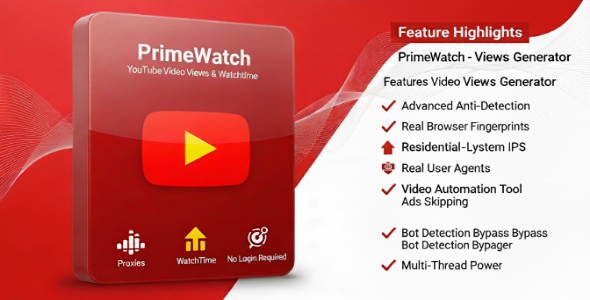
PrimeWatch – YouTube Watch Time Bot v2.1 Advanced YouTube watch time software with proxy support, browser fingerprint spoofing, and multi-profile management. Ov
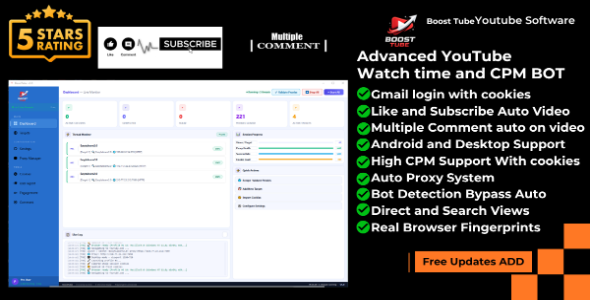
PrimeWatch – YouTube Watch Time Bot v2.1
Advanced YouTube watch time software with proxy support, browser fingerprint spoofing, and multi-profile management.
Overview
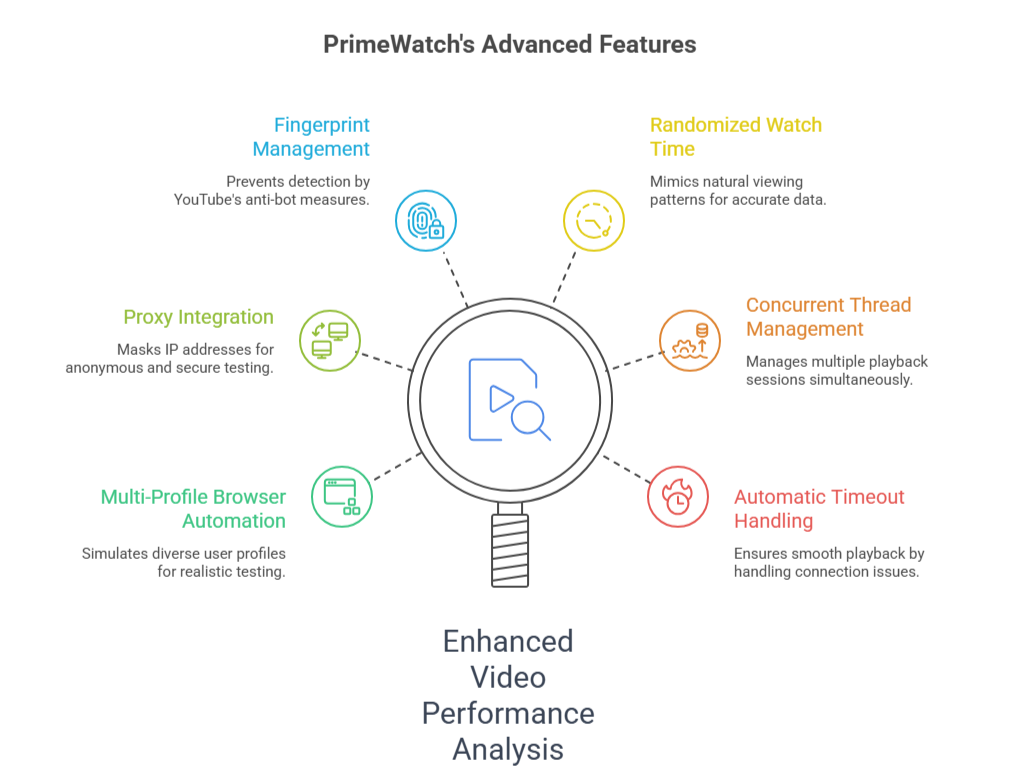
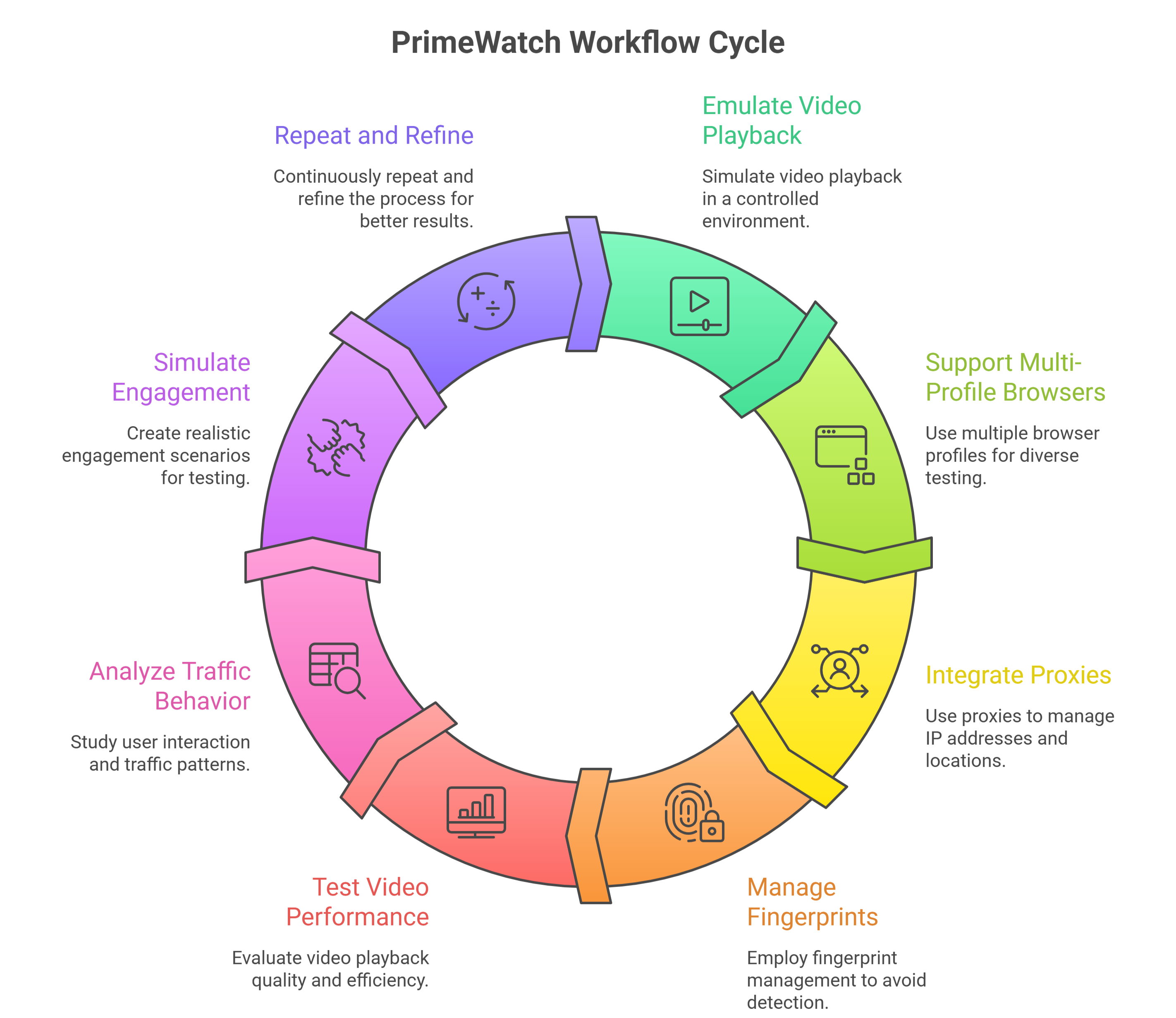
PrimeWatch is a powerful YouTube watch time automation tool designed for content creators and digital marketers who need to increase video watch time efficiently. It uses real browser profiles with advanced fingerprint spoofing to simulate genuine viewers, making each session appear as a unique and authentic user.
The software supports proxy rotation, multi-threaded operation, and a full real-time analytics dashboard — giving you complete control and visibility over every session from start to finish.
Main Settings

The Main Settings tab is the primary control panel. Enter one or multiple video URLs, configure all timing and threading options, and start the bot with a single click.
- Enter multiple video URLs (one per line)
- Random link selection across multiple videos
- Load URLs from an external text file
- Set minimum and maximum watch time per session
- Set total target view count
- Configure browser profiles and concurrent threads
- Browser timeout and navigation timeout controls
- Random watch time variation toggle
- Skip ads automatically
- Auto-close browser on session timeout
| Setting | Default Value |
|---|---|
| Browser Profiles | 4 |
| Min Watch Time | 30 seconds |
| Max Watch Time | 300 seconds |
| Target Views | 100 |
| Concurrent Threads | 3 |
| Browser Timeout | 60 seconds |
| Navigation Timeout | 57 seconds |
Proxy Settings

The Proxy Settings tab allows you to configure proxy rotation so that each session comes from a different IP address. This significantly reduces the risk of detection and ensures your views appear natural.
- Enable or disable proxy support with one click
- Enter proxies manually (one per line) or load from file
- Built-in proxy tester to verify working proxies before use
- Live proxy statistics: Total, Working, and Failed counts
Supported Proxy Formats
| Format | Example |
|---|---|
| HTTP | http://host:port |
| HTTPS | https://host:port |
| SOCKS4 | socks4://host:port |
| SOCKS5 | socks5://host:port |
| With Authentication | http://user:pass@host:port |
| SOCKS5 with Auth | socks5://user:pass@host:port |
| IP Format | 192.168.1.1:8080:username:password |
Analytics

The Analytics tab gives you full real-time visibility into every active session and the overall performance of your bot run.
- Live runtime counter
- Active profiles counter (current / total)
- Total error count and browser restart count
- Per-profile status table: Profile ID, Status, Errors, Last Activity
- Live recent activity log
- Overall success rate and error rate percentages
Advanced Settings

The Advanced tab gives access to fingerprint spoofing and browser configuration options that make each session appear as a unique device to detection systems.
Fingerprint Spoofing
- WebGL Spoofing — randomizes GPU fingerprint
- Canvas Spoofing — randomizes canvas rendering fingerprint
- Font Spoofing — randomizes installed font fingerprint
Browser Configuration
- User Agent Strategy: Random Mixed, Desktop, Mobile, and more
- Screen Resolution: Random Mobile, Random Desktop, and custom presets
- Disable Images for faster execution
- Disable CSS for faster execution
- Headless Mode for invisible background operation
Performance Settings
- Concurrent Profiles: control how many profiles run at the same time
- Delay Between Profiles: set gap (in seconds) between each profile launch
System Requirements
- OS: Windows 7 / 8 / 10 / 11 (64-bit recommended)
- Processor: Core i3 (Core i5+ recommended)
- RAM: Minimum 4 GB (8 GB recommended)
- Storage: 2 GB free space
- Internet: Required for browser installation and license validation
- Graphics: DirectX 11 compatible (for UI rendering)
Note: Source code is NOT provided. This is a compiled Windows (.exe) application only.
License & Usage
- Single-user license (Device-bound)
- Installable on one PC only
- Commercial use allowed
- Free updates for 6 months
- Priority technical support included
Download & Support
After purchase, you will receive:
- Download link for Windows (.exe) installer
- Video tutorial and setup guide
- Email technical support (24-48 hour response)
- Access to updates and bug fixes
Author: APX KING
Version: 2.1
Last Updated:March 2026
What's Your Reaction?
 Like
0
Like
0
 Dislike
0
Dislike
0
 Love
0
Love
0
 Funny
0
Funny
0
 Angry
0
Angry
0
 Sad
0
Sad
0
 Wow
0
Wow
0

.png)