



































.jpg)






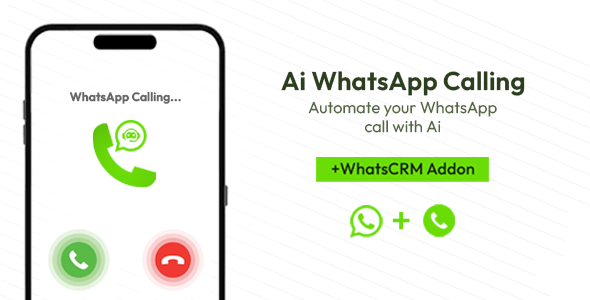
Ai WhatsApp Calling - Add-on for WhatsCRM
⚠️ IMPORTANT – External AI & WhatsApp API Costs This add-on requires paid third-party services: OpenAI, ElevenLabs, and Meta Business WhatsApp API. API keys a
⚠️ IMPORTANT – External AI & WhatsApp API Costs
This add-on requires paid third-party services: OpenAI, ElevenLabs, and Meta Business WhatsApp API.
API keys and WhatsApp API access are NOT included. Buyers must purchase and manage them separately.
DISCLAIMER – This is an add-on for WhatsCRM . WhatsCRM must be purchased separately.
Introducing the WhatsApp AI Calling Automation Add-on — a revolutionary voice automation extension for WhatsCRM . This groundbreaking add-on enables you to automate WhatsApp voice calls using OpenAI’s advanced AI technology combined with ElevenLabs’ natural-sounding voices. Schedule AI calling broadcasts, handle customer inquiries automatically, and scale your voice communication like never before. 
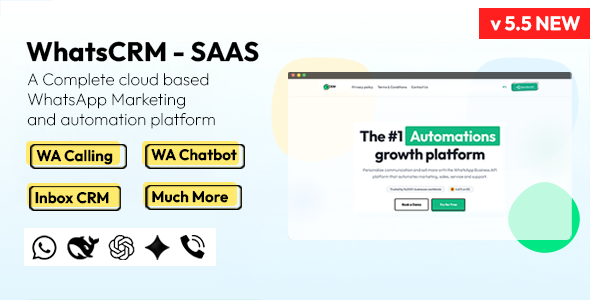
Parent App
Key Features
- AI-powered WhatsApp voice calls using OpenAI technology
- Natural-sounding voices powered by ElevenLabs
- Schedule AI calling broadcasts to multiple contacts
- Automated customer inquiry handling with intelligent responses
- Multi-language voice support for global reach
- Call recording and transcription capabilities
- Custom voice scripts and conversation prompts
- Real-time call analytics and reporting dashboard
- One-click plugin installation available
System Requirements
⚠️ CRITICAL: This plugin requires Ubuntu 20.04 LTS or higher (or macOS for development).
The Ubuntu requirement applies to this plugin only, regardless of your control panel (cPanel, Webuyzo, aaPanel, etc.) or hosting type (shared, VPS, dedicated). The underlying operating system must be Ubuntu 20+ or macOS.
- Operating System: Ubuntu 20.04 LTS or higher (macOS supported for development)
- Node.js: Version 20 or higher (mandatory)
- WhatsCRM: Version 2.0 or higher
- WhatsApp: Active WhatsApp Business API account
Popular Use Cases
- Customer Support: Automate 24/7 customer support calls and handle FAQs
- Marketing Campaigns: Launch voice broadcast campaigns for promotions
- Appointment Reminders: Send automated voice reminders for appointments
- Lead Qualification: Qualify leads through intelligent voice conversations
- Training & Onboarding: Deliver automated training sessions to new users
- Emergency Alerts: Send urgent voice notifications and alerts
Installation Methods
- Auto Install Portal (Recommended): Navigate to Admin Panel → Extensions → Auto Install, find “WhatsApp AI Calling Automation”, click Install, and restart Node.js
- Manual Installation: Upload extract.zip to WhatsCRM root directory, extract files, run npm install, and restart Node.js application
Configuration
After installation, configure your OpenAI and ElevenLabs API keys in the admin panel. Select your preferred voice model, set up conversation prompts, and create calling schedules. Test the feature with a sample call before launching full campaigns.
Changelog – Version 1.0 (7 February 2026) ------------------------------------------ - Initial Release - AI-powered voice calling with OpenAI integration - ElevenLabs natural voice generation - Broadcast scheduling system - Call recording and transcription - Multi-language support - Real-time analytics dashboard - Custom voice scripts and prompts
What's Your Reaction?
 Like
0
Like
0
 Dislike
0
Dislike
0
 Love
0
Love
0
 Funny
0
Funny
0
 Angry
0
Angry
0
 Sad
0
Sad
0
 Wow
0
Wow
0