







































MindWare - AI Startup & AI Tool WordPress Theme
AI Business & Startup WordPress Theme v1.8 Mindware is a WordPress theme that best suits the websites and startups related to Artificial Neural Networks: gamin
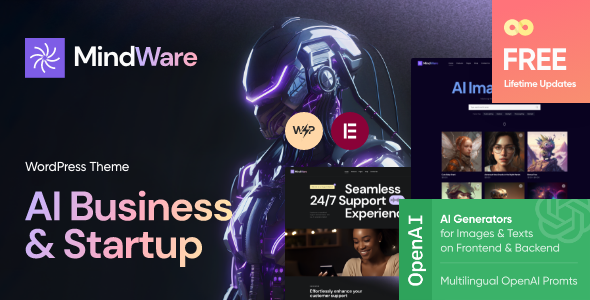
AI Business & Startup WordPress Theme v1.8


Mindware is a WordPress theme that best suits the websites and startups related to Artificial Neural Networks: gaming, AI art generator, machine learning, ChatGPT, OpenAI, AI Engine, DALL·E, Midjourney, Stable Diffusion etc..
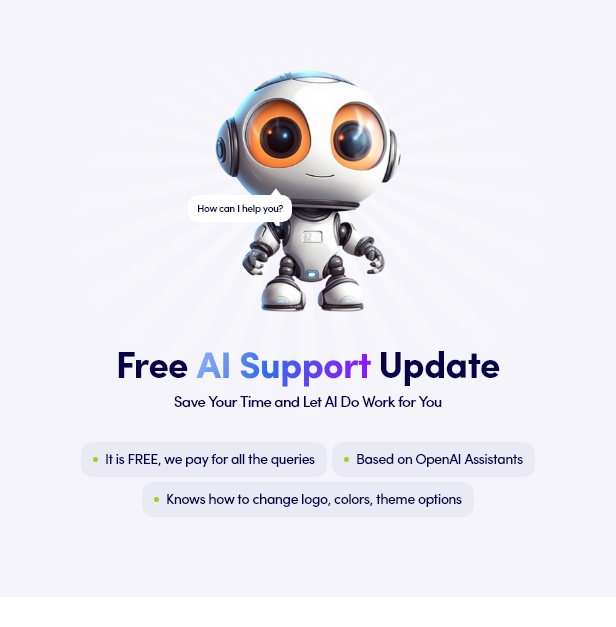
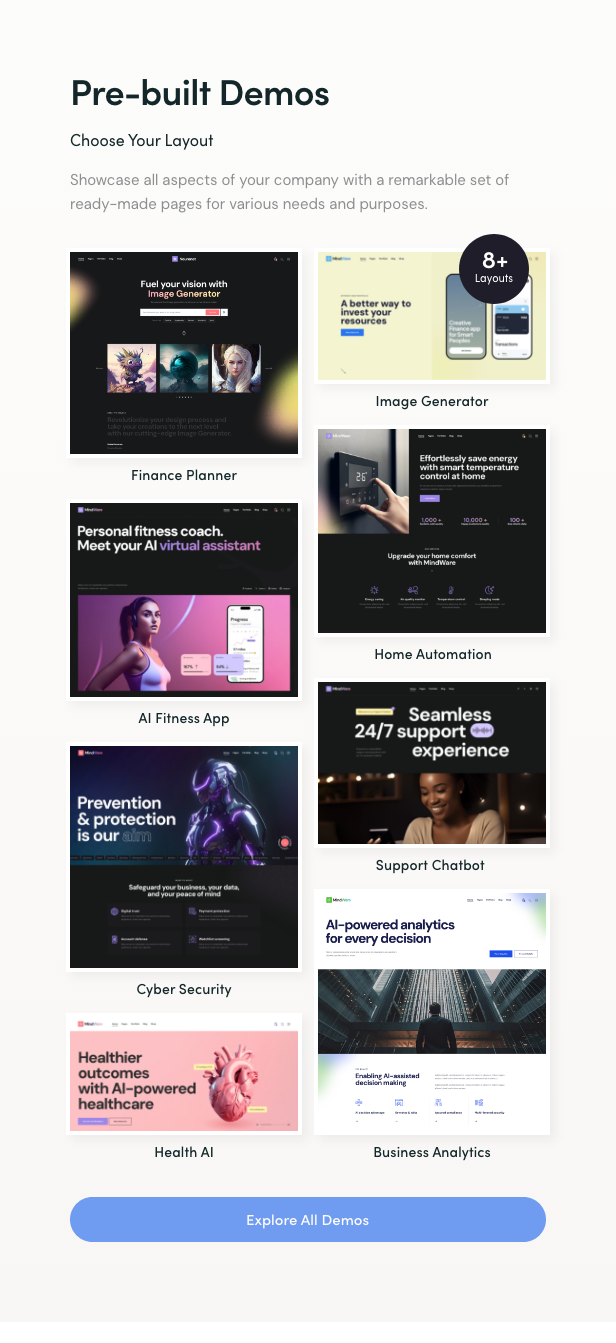
Besides that, the theme is best suited for contemporary marketing studio and creative agency, AI Chat bot, finance planner, business analytics, home automation, image AI generator, web designer’s portfolio, marketing bureau, and advertising firm, digital & graphic design, website building, SEO, SMM, etc.
The theme features 8 different homepages, a number of cool blog post layouts, portfolio, custom widgets & shortcodes etc.
Artificial Intelligence & Neural Network WordPress Theme WordPress Theme Features
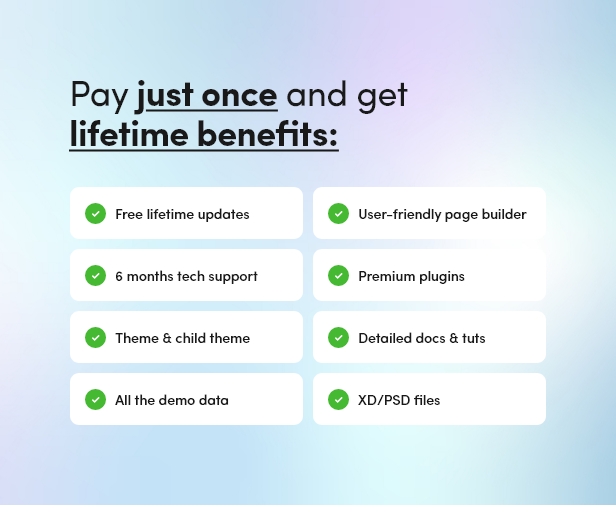
Besides Woocommerce & Elementor the theme is supplied with a bundle of premium plugins, like AI Engine plugin, Slider revolution and WP Booking System, WPML etc. Also there is a collection of powerful shortcodes and widgets, for easy use and capacity of your website. Above all the theme is GDPR & Gutenberg compativle.
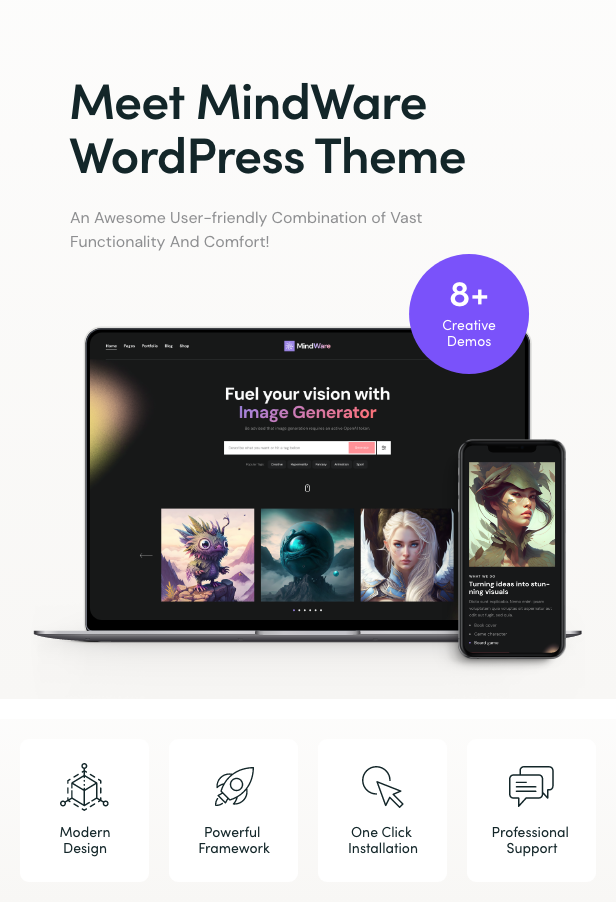


Mindware ’s Key Features
- Professional design
- One-Click demo installation
- Modern, Flexible, Customizable
- WordPress 4.5+ Tested and Approved
- Built with HTML5 and CSS3 code
- Cross-Browser Compatibility: FireFox, Safari, Chrome
- Slider Revolution & Swiper Slider included
- Retina Images Support
- User menu and Main menu support
- Interactive Ajax Search
- Flexible Colors & Typography
- Layout Features:
- 100% Responsive & Mobile-friendly
- Boxed and Fullwidth page layouts
- Elementor Page Builder support – modify any page content easily
- Customize Header and Footer Layouts in Elementor Page Builder
- Advanced Blog Settings:
- Multiple Blog Styles
- Flexible Layout Options
- 20+ Post Animations
- Customizable Blog Feed (choose from post types or categories)
- Post views, likes and sharing buttons
- Related Posts Section
- Powerful Theme Framework:
- Setting Inheritance and Override System
- 750+ Customizer Options
- Custom Post Types
- Custom Widget Sets
- Custom Shortcodes
- Custom Theme Options Panel
- Optimized for best performance
- ...and many more!
- Plugins Compatibility:
- Elementor
- Advanced Popups;
- AI Engine: ChatGPT Chatbot, Content Generator, GPT 3 & 4, Ultra-Customizable;
- Contact Form 7;
- elegro Crypto Payment;
- MC4WP: Mailchimp for WordPress;
- Slider Revolution;
- Smash Balloon Instagram Feed;
- ThemeREX Addons;
- ThemeREX Updater;
- TI WooCommerce Wishlist;
- WooCommerce;
- WPML
- Fontello & Image Icons
- Google Fonts
- Professional Support
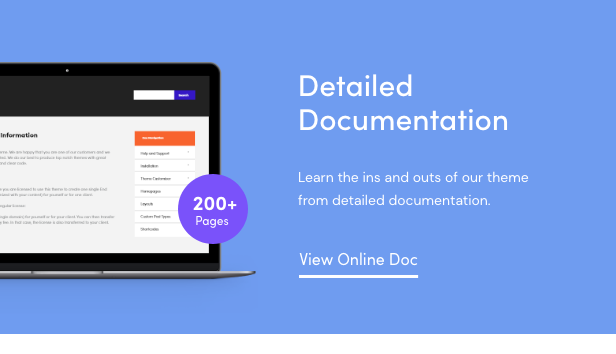
- Detailed Documentation
- Regular Updates
- And many more

Clipart
depositphotos.compeopleimages.com
flaticon.com
All images are copyrighted to their respective owners. Images used in live preview are not included in the template.
Fonts
Google FontsChange Log
23.09.2025 Version: 1.8.0
Skin 'default' is updated to the version 1.3.19.09.2025 Version: 1.7.0
Added: - QW Extension addon (to version 1.6.2) - Accessibility improvements for WP Accessibility Check. - Events list Widget: the Classic layout now includes the event time in addition to the date. - Images Compare Widget: Separate styling for separator/handler; option to hide handler and control tag/offsets for "Before" & "After". Fixed: - Style tweaks for The Events Calendar integrations. - Audio widget: template "default" (select audio from library).12.09.2025 Version: 1.6.0
Added: - Plugin Settings – Added links to documentation and descriptions of custom Elementor settings/widgets. - Stack Sections – Added transition duration control for Zoom, Blur, Opacity effects. - Elementor Presets Support – Added ability to save/load custom style presets for widgets, sections, columns, and containers. Stored in /plugins/trx_addons/presets/trx_addons-presets.json. - Skin Notice – Admin notice now includes "Dismiss" (7 days) and "Never Show Again" options. - Accessibility Improvements – Added role="button" to non-link anchors, converted anchor tags to where appropriate, and added control for target="_blank" for external links. - TrxAddons: Hook for SportsPress to prevent redirecting to the “Welcome” screen after activation during demo import. - Theme Core Check: Added warning if theme core isn't updated before skin update (to avoid missing functions). - Backdrop Blur: New settings for sections, columns, containers, and all Elementor widgets; default semi-transparent background for sticky sections. - HotSpot Widget: Major redesign for responsive positioning and styling; added tag selection, icon customizations, popup alignment, offsets, and more. Fixed: - Security: Fixed potential LFI vulnerability during pagination. - TrxAddons: Tribe Events export now checks for new TEC tables (tec_events, tec_occurrences) if no events in wp_posts. - Stack Sections: Fixed offsets, sticky section positioning on iOS, and animation issues with GSAP. - TrxAddons: Fixed issue where inserting an empty header/footer would insert full page content. - AJAX Responses: Standardized response parsing and error handling across theme/plugin. - Mobile Menu: Fixed auto-close when clicking tabs inside the menu. - PHP 8 Compatibility: Fixed various warnings and errors with string/integer operations and child post queries. - Header Fixes: Ensured mobile menu button displays correctly in default headers not using shortcodes. - Customizer: Fixed reset behavior for Logo option. - Minor bug fixes and optimization.24.06.2025 Version: 1.5.0
Skin 'default' is updated to the version 1.2.12.06.2025 Version: 1.4.0
Updated: - QW Extension addon (to version 1.6.1) - Optimized all image files stored in the plugin and theme folders Added: - TrxAddons: WPML – added translation support for our Elementor Extensions like "Background Text" - theme_filter_page_title_selector filters in JS and PHP to allow replacement of the page title selector in Elementor skins and clones - In the woocommerce.js script, added updating of the total number of products on the page after loading the next batch via load_more or infinite - Added a forced check for addon and skin updates via the "Check again" link - Added support for skin filtering keywords in the Theme Dashboard Fixed: - SEO attributes now respect the "SEO snippets" option to avoid validation issues - Fix in the WooCommerce page processing script – Cart: after changing the shipping address on touch devices (mobiles, tablets), the product table disappeared - Fix in the markup and styles of sub-tabs in theme and plugin options to align the spacing from the last sub-tab to the next tab’s heading - In theme options, added a selector to display a divider if a hidden option (type=hidden) precedes it. Previously, the divider (border) was missing in this case - Disabled initialization of the mediaelements script for videos inside the Revolution Slider - Moved loading of translation domains and theme plugins to priority -1 on the after_setup_theme action - Minor bug fixes and optimization Removed: - Removed 'medium' from external thumbnail sizes to prevent conflicts with the custom trx-addons-thumb-medium size - The Twenty20 Image Before-After plugin is no longer recommended for installation (compatibility is retained); please use the Images Compare widget instead27.12.2024 Version: 1.3.0
Skin 'default' is updated to the version 1.1.14.12.2024 Version: 1.2.0
Removed: - Disabling of rendering replacement in the Post Featured Image block for FSE themes (works only for video, audio, and gallery formats now) Fixed: - Sticky sidebar positioning script on fullwidth pages, when fixed_blocks_sticky == false selected in the options - Syntax in the function of the URL replacement for Vimeo videos06.12.2024 Version: 1.1.0
Added: - Option "Redirect 404" - Option "Disable word hyphenation for the headings on tablets and mobile devices" - Parameter "Show Description" in Layouts - Title shortcode - Layouts: filter 'trx_addons_filter_sc_layout_content_need_inline_css' for custom layouts - Elementor: default settings for compatibility with Elementor "Optimize Control Loading" - Options for customization of shortcodes Switcher and HotSpot - Slider Widget: responsiveness for "Slides per view" and "Slides space" parameters - AI Helper: API support for ModelsLab music generation - AI Helper: Text To Speech/Speech To Text/Voice Covering API from OpenAI and ModelsLab and a new widget Audio Generator (AGenerator) - AI Helper IGenerator: script for repeated opening of images - AI Helper: authorization parameters for Open AI and Google AI APIs to use proxy servers - API Text To Speech / Speech To Text / - Elementor Page Settings: a filter to disable a default section background for layouts Fixed: - Mouse Animation styles - Revolution Slider: demo url to support a new version of slider tables - FontAwesome 4 compatibility - "NavMenu" script for layout submenus - PHP8 Compatibility for CPT Services - Iframe resize of fullscreen video - Elementor 3.25.0+ compatibility - AI Helper Chat: title and button styles - API Stable Diffusion renamed to ModelLab - xxx_get_file_dir() for file compilation in /uploads on multisite installations - Rendering of Instagram video posts - Woocommerce: styles of product discounts Updated: - QW Extension addon (to version 1.6.0)14.08.2024 Version: 1.0.0
- ReleaseWhat's Your Reaction?
 Like
0
Like
0
 Dislike
0
Dislike
0
 Love
0
Love
0
 Funny
0
Funny
0
 Angry
0
Angry
0
 Sad
0
Sad
0
 Wow
0
Wow
0