



















![HUSKY - Products Filter Professional for WooCommerce [former WOOF Filter]](https://previews.customer.envatousercontent.com/files/469342547/husky590-min.jpg)























Flipbook WordPress Plugin Diamond
WordPress FlipBook Standard version here: Bookshelf for flipbooks here: PDF to Flipbook You can create a book directly from the PDF file. Pdf file is automa
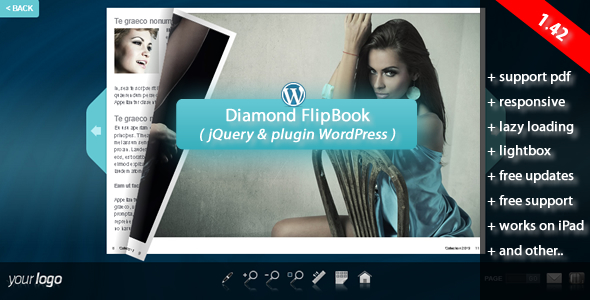
WordPress FlipBook
Standard version here:

Bookshelf for flipbooks here:

PDF to Flipbook
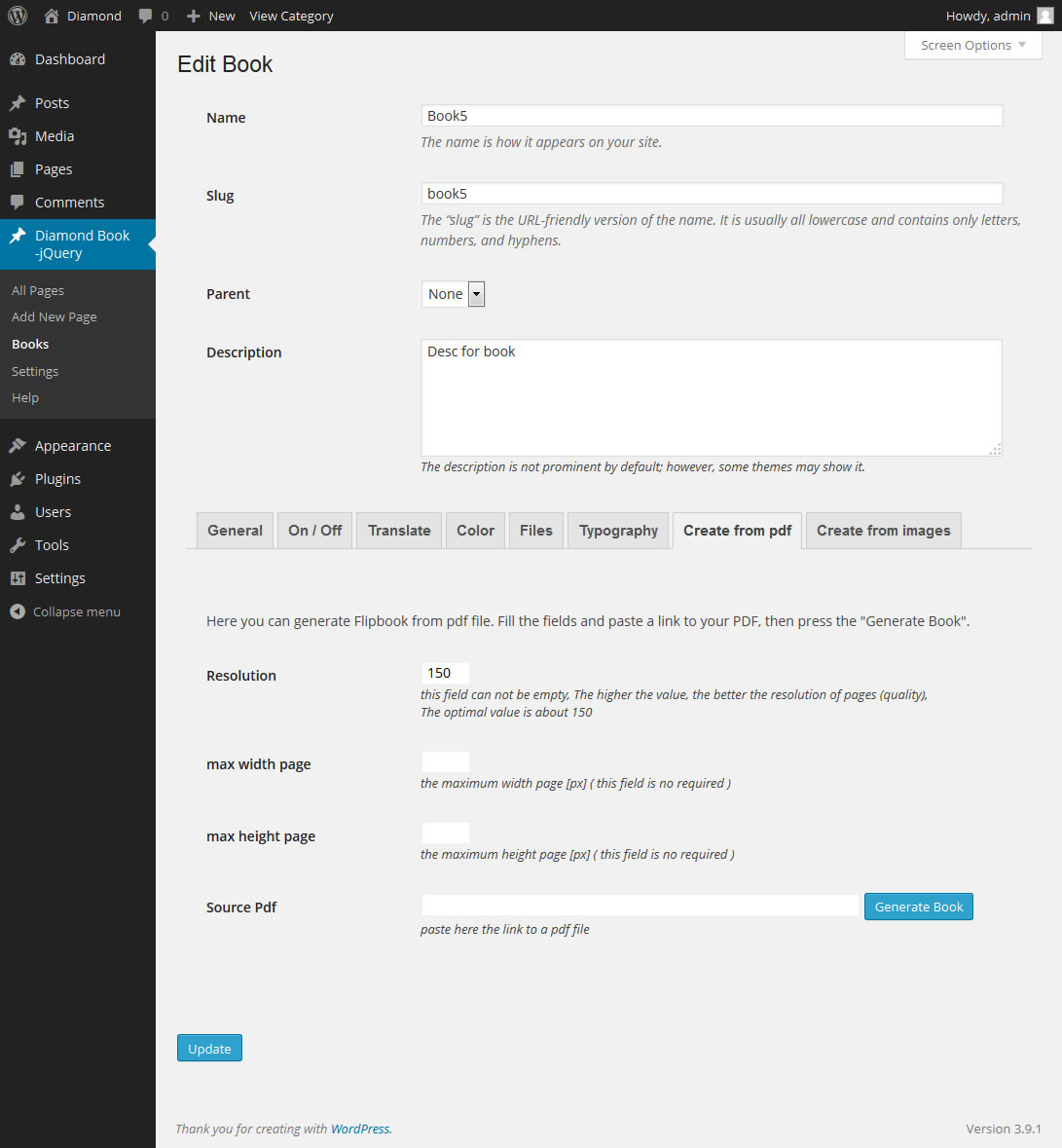
You can create a book directly from the PDF file. Pdf file is automatically converted to jpg files. See here video tutorial.JPG to Flipbook
You can upload all your pages at once – no need to add each page separately. See here video tutorial.Manually adding pages
You can also add pages separately ( you can make also text in wysiwyg editor ). See here video tutorial.4 techniques show flipbook
- shortcode – you can put flipbook anywhere in content ( page, post, custom post etc)- template – you can add flipbook as an independent template in the whole browser window, the advantage is that it is 100% working with all theme ( no conflict with css styles etc…. )
- lightbox – You can put the link text or image link anywhere in content on your site. When you click on the link loads a book as a lightbox. So you can have an unlimited number of book on one page. Lightbox works also with deeplinking.
- bookshelf – When you click on the link loads a book as a lightbox. So you can have an unlimited number of book on one page. Lightbox works also with deeplinking. Bookshelf is not included – if you need bookshelf you can buy it here
RTL
Right to left flipbook for eastern countries.All Features:
- you do not need to buy and install additional libraries
- pdf support ( you can create a book directly from the PDF file , Pdf file is automatically converted to jpg files )
- support multiple file upload ( you can upload all your pages at once – no need to add each page separately )
- works on the iPad,iPhone etc. ( no Flash Player needed )
- support for tags in WYSIWYG editor:
- reverse flip book for the eastern countries (right to left)
- three techniques show flipbook:
- shortcode – you can put flipbook anywhere in content ( page, post, custom post etc)
- template – you can add flipbook as an independent template in the whole browser window, the advantage is that it is 100% working with all theme ( no conflict with css styles etc…. )
- lightbox – you can put text link, image link anywhere in content on your site, when you click on the link loads a book as a lightbox. - insert scripts in section head – only subpages where is the shortcode flipbook
- you can disable / enable individual icons in the admin panel
- icon fullScreen ( only works under FF and Chrome )
- you can change the zoom to double click the mouse
- you can change the zoom step for zoomIn and for zoomOut
- you can enable / disable deeplinking (string at the end of the browser’s address)
- youtube videos are shown on a layer above book
- responsive design
- unlimited number of pages in flipbook
- lazy loading ( if you have a lot of pages – book will load faster, Example 1: If the current page is 8-9 – then are loaded only pages 8-9, 10-11 and 6-7 ; Example 2: If the current page is 1 – then are loaded only pages 1,2,3,4,5,6 )
- you can create an unlimited number of flipbooks on one theme
- double pages
- show all pages
- excellent tools to zoom
- ajax form
- plugin flipbook is 100% compatible with the theme Avada
- and other…
Screenshoot the admin – click here
Video tutorials:
Installation and import contentCreate book from pdf file
Create book from images
Manually adding pages
See my other Books:


Credits
-
Images Report Ecological for use in the preview file only, and are not included in the download source.
-
www.fotolia.com Images from www.fotolia.com were purchased by me for use in the preview file only, and are not included in the download source.
If you need any of these pictures – you can buy them separately:
http://en.fotolia.com/id/22627447
http://en.fotolia.com/id/11404196
http://en.fotolia.com/id/26154953
http://en.fotolia.com/id/19234658
http://en.fotolia.com/id/14474468
http://en.fotolia.com/id/21116127
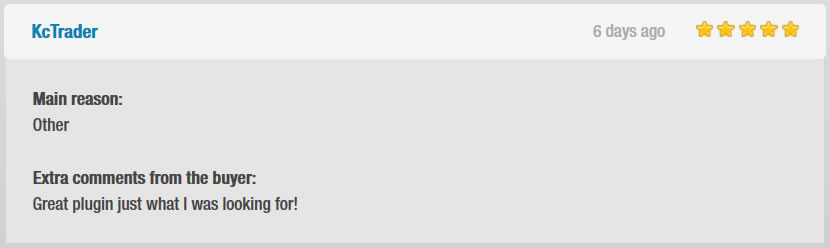
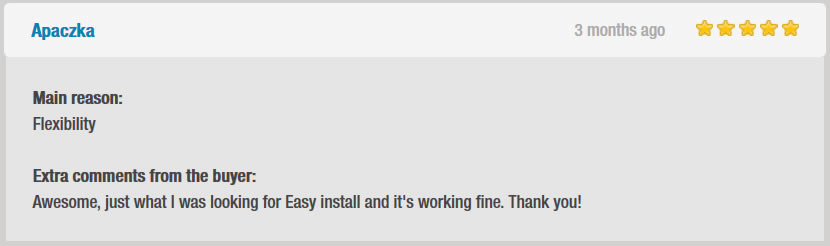
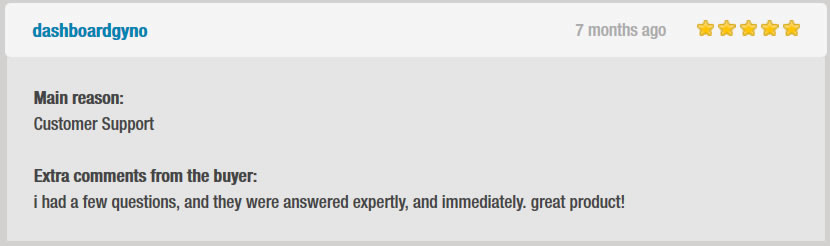
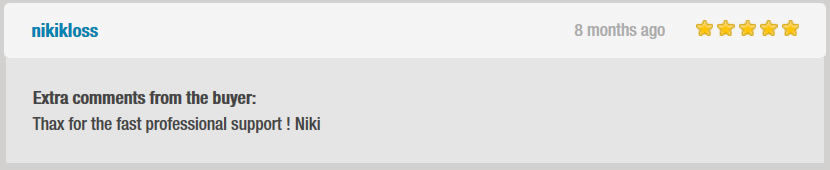
Ratings buyers

Update history
NOTE: If you have done the update – do deactivations plugin and make activations again
Version 1.42 – 24.05.2022
+ fixed: PDF to JPG converter
Version 1.41 – 15.04.2022
+ fixed: uploader for files
Version 1.40 – 18.03.2022
+ fixed: performance improvement for converter PDF to JPG
Version 1.39 – 16.03.2022
+ fixed: new version PDF to JPG converter
Version 1.38 – 08.02.2022
+ fixed: convert PDF to JPG
Version 1.37 – 23.03.2021
+ fixed: performance improvement
Version 1.36 – 29.01.2021
+ fixed: compatible with the latest version of WordPress 5.6
Version 1.35 – 13.10.2019
+ fixed: firefox issue
Version 1.34 – 10.07.2018
+ fixed: improving conversion from pdf to jpg on some servers
Version 1.33 – 04.04.2018
+ NEW: support mousewheel for zoom + NEW: pinch zoom, swipe for mobile devices + NEW: target for the link for the logo
Version 1.32 – 02.02.2017
+ fixed: installation "turn.js" for WordPress 4.7 or higher
Version 1.31 – 23.01.2017
+ fixed: package "main.zip" ( installation issues )
Version 1.30 – 25.11.2016
+ fixed: Improving Lightbox
Version 1.29 – 16.03.2016
+ fixed: Improvement work on some servers
Version 1.28 – 13.01.2016
+ fixed: right to left flipbook for eastern countries.
Version 1.27 – 9.01.2016
+ fixed: Lightbox ( problem with z-index )
Version 1.26 – 8.01.2016
+ fixed: corrected work on iphone 5, iphone 6 ( Landscape ) + fixed: fullscreen icon – does not appear if your browser does not support fullscreen
Version 1.25 – 24.IV.2015
+ Improving Security Vulnerability https://blog.sucuri.net/2015/04/security-advisory-xss-vulnerability-affecting-multiple-wordpress-plugins.html
Version 1.24 – 28.III.2015
+ Improvement of Lightbox, now also works in the field excerpt (example WooCommerce)
Version 1.23 – 19.XI.2014
+ Improvement work on some servers
Version 1.22 – 11.XI.2014
+ correct plugin work after the update from older versions
Version 1.21 – 28.X.2014
+ fixed Right to left flipbook for eastern countries
Version 1.20 – 16.X.2014
+ New feature: you can add sound to turn page + fixed the error "error load book"
Version 1.19 – 25.IX.2014
+ A new function for the lightbox - autostart
Version 1.18 – 9.IX.2014
+ New feature: Lightbox Now you can put the link text or image link anywhere in content on your site. When you click on the link loads a book as a lightbox. So you can have an unlimited number of book on one page. Lightbox works also with deeplinking. + More settings for the background ( you can set the transparency and color for the background )
Version 1.17 – 9.VII.2014
 + New feature:support multiple file upload ( here screenshot ) You can upload all your pages at once - no need to add each page separately.
 ( more in documentatio "Add Page - from many images" )
Version 1.16 – 3.VII.2014
+ New feature: PDF support ( here screenshot ) Now you can create a book directly from the PDF file.. Pdf file is automatically converted to jpg files.
Version 1.15 – 13.VI.2014
+ New feature: Lazy loading In the administration panel appeared attribute "Lazy loading".Lazy loading can be set for pages in book and for the thumbs list.
Version 1.14 – 30.V.2014
+ improved function "duplicate book"
Version 1.13 – 27.V.2014
+ correction of the error images into the latest version of Firefox + change redirect for image and text ( shortened code ) - no need to use the code "javascript: setPage (2)," , now simply "setPage (2)" + improving the color changes to page manager in the admin panel
Version 1.12 – 15.IV.2014
+ Fixed errors on some theme and servers - "error load book" and "Fatal error: Cannot redeclare q5_flipbook_v5()" Now the plugin is 100% compatible with the theme Avada
Version 1.11 – 28.III.2014
+ New feature - duplicate book
Version 1.10 – 04.II.2014
+ fixed the work of the browser IE 9.0 + deleted conflict with plugin NexGen Gallery
Version 1.9 – 11.II.2014
+ changed the name flipbook to the shorter
Version 1.8 – 4.II.2014
+ fxed color change (head h3) on the left side of the book + improved display of admin bar + corrected the color change for background toolbar + fixed list thumbs under the browser Chrome on iOS + fixed list ul and ol for pages in book
Version 1.7 – 17.I.2014
+ update query.address to version 1.6 + optimization drag book - when zoom is used
Version 1.6 – 11.I.2014
+ reverse flip book for the eastern countries (right to left) + improve the operations of the IE + added a new color parameter in admin + flipbook slug shows in the browser address
Version 1.5 – 9.XII.2013
+ fixed display of icons
Version 1.4 – 6.XII.2013
+ added shortcode - you can put flipbook anywhere in content ( page, post, custom post etc) + insert scripts in section head - only subpages where is the shortcode flipbook + you can disable / enable individual icons in the admin panel + You can disable the complete bottom bar + you can change the width input text in bottom bar + added the icon fullScreen ( only works under FF and Chrome ) + new preloader + you can change the zoom to double click the mouse + you can change the zoom step for zoomIn and for zoomOut + you can enable / disable deeplinking (string at the end of the browser's address) + fixed scroll thumbs on mobile devices + changed the scaling for the page - now all elements are scaled (previously only text)
Version 1.3 – 18.XI.2013
+Flipbook is now compatible with the latest version of WordPress - 3.7.1
Version 1.2 – 16.XI.2013
+ Fixed title (deep linking) for page - now white spaces are removed automatically after writing (white characters in the title are NOT allowed - then flipbook does not work properly)
What's Your Reaction?
 Like
0
Like
0
 Dislike
0
Dislike
0
 Love
0
Love
0
 Funny
0
Funny
0
 Angry
0
Angry
0
 Sad
0
Sad
0
 Wow
0
Wow
0
.png)